
Hi, crafty friends. Something tells me I should apologize for posting the amount of holiday cards I have lately, but I’m not really sorry. Aside from a Halloween card (a rarity around here) on Monday, I’ve posted a Christmas card pretty much every day this week. Here’s another one, this time featuring the Animal Christmas Wreaths stamp set from Lili of the Valley. This set includes a wreath and six different critters to stamp inside. I kind of went outside the box for this one, stamped all the animals together and omitted the wreath entirely.
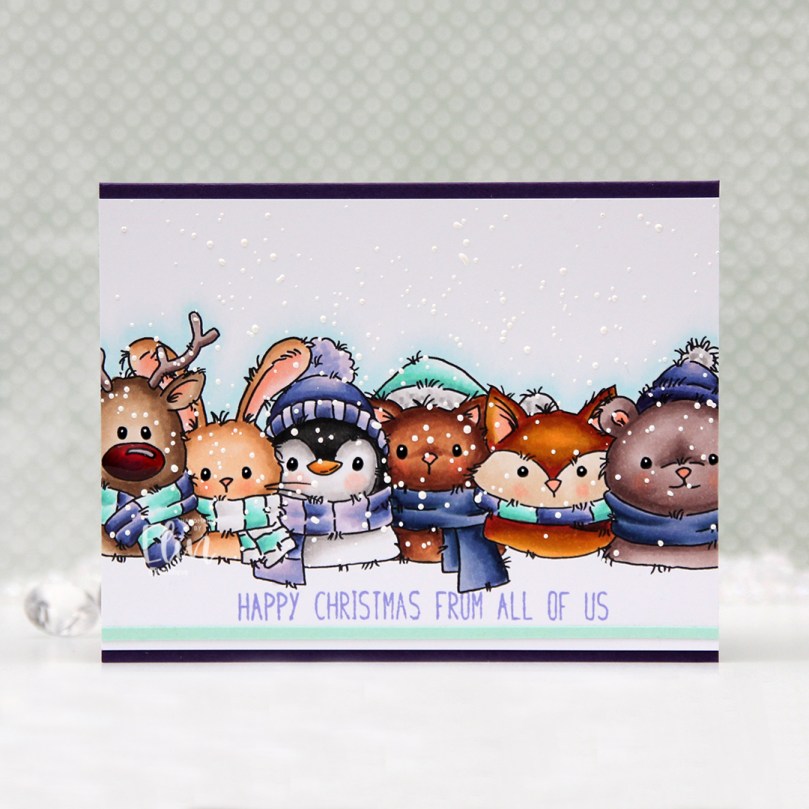 I didn’t know what color scheme to go for, and my color buddy Liz suggested purple, knowing I’d kind of hate her for it. 😉 I struggle with purple. It’s not my favorite color to begin with, it’s tricky to photograph well, and also difficult to find good matches with ink and cardstock for. AND it’s even hard to find colors that pair well with it. It’s not something I’d normally use for a Christmas card, but I love a good challenge, so I grabbed a bunch of purple Copics and started coloring.
 I kind of tried to chicken out a bit by asking Liz if it’d be okay if I added some aqua tones. “Only if purple is the dominant color,” was her answer. With no chance to weasel my way out of purple and into something I’m more comfortable with, there was only one thing to do… keep coloring purple.
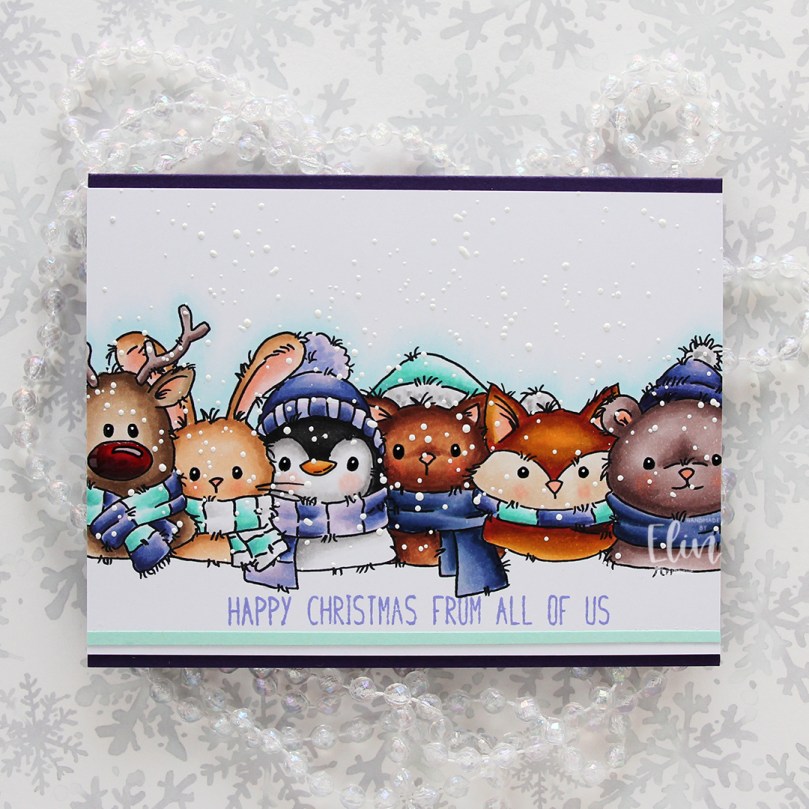 I did add a little bit of aqua to not have everything purple. I even tried some blue, but that didn’t really work and I actually covered up the blue… with more purple. Once I finished my coloring, I added a sentiment from the Snow Cute stamp set from Lili of the Valley, stamping it in Wild Wisteria ink from Gina K. Designs. The sentiment is actually a stacked one, but I cut it in half and stamped it on a line instead – it worked better for my card.
 I used a black glaze pen to get their eyes extra black and shiny, added a tiny white dot to each eye using the 05 white Gelly Roll, and covered Rudolph’s nose with Glossy Accents. Once dry, I sprinkled on lots of chunky white embossing enamel from Stampendous and melted the granules from the back of the panel for a snowy look.
 I adhered my colored panel to a top fold landscape card base I created from Royal Velvet cardstock from Papertrey Ink, and added a thin strip of Sea Glass cardstock from Concord & 9th below the sentiment for an additional element that wasn’t purple.
 I used so many colors for this, it’s ridiculous. I used different colors for all the animals, only keeping cheeks, noses and inner ears the same throughout.

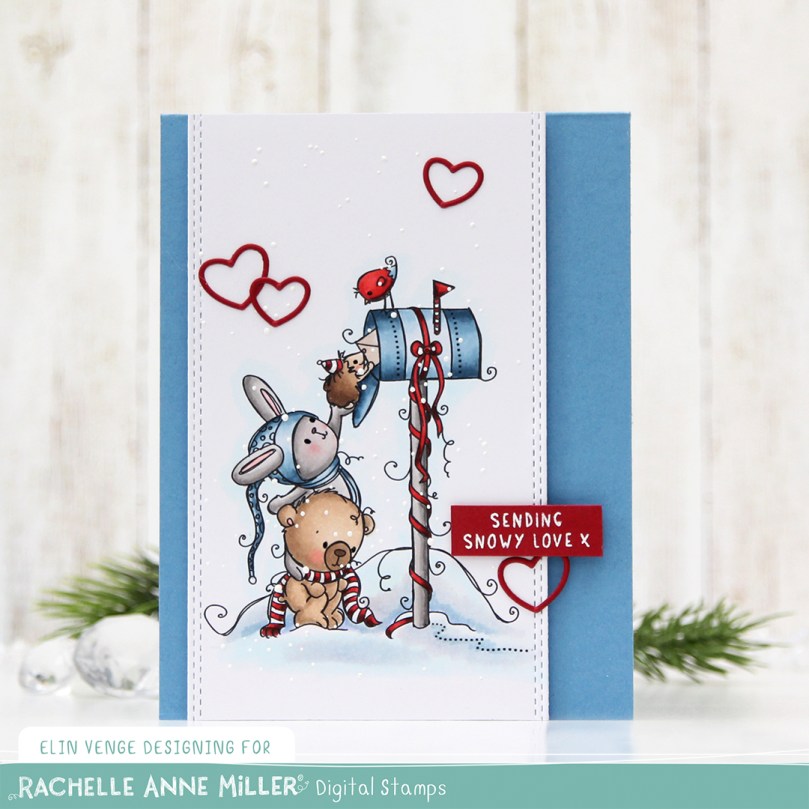 I colored up the scene using Copics, then used the largest die in the Slimline Double Stitched Rectangle STAX die set from My Favorite Things to add faux stitching to both sides. There’s no reason you can’t use slimline dies for an A2 sized card, and this worked out really well, the die was the perfect width for my image.
 I used a black glaze pen from Sakura to get some shine and dimension into the eyes of these cute critters (you can see it in real life when you tilt the card in the light, I promise), then sprinkled on Stampendous chunky white embossing enamel that I melted from the back of the panel.
 Using lots of foam tape, I adhered my panel to a top fold card base I created from Blueberry Sky cardstock from Papertrey Ink. This blue is gorgeous, and it’s perfect for the B90 Copic family.
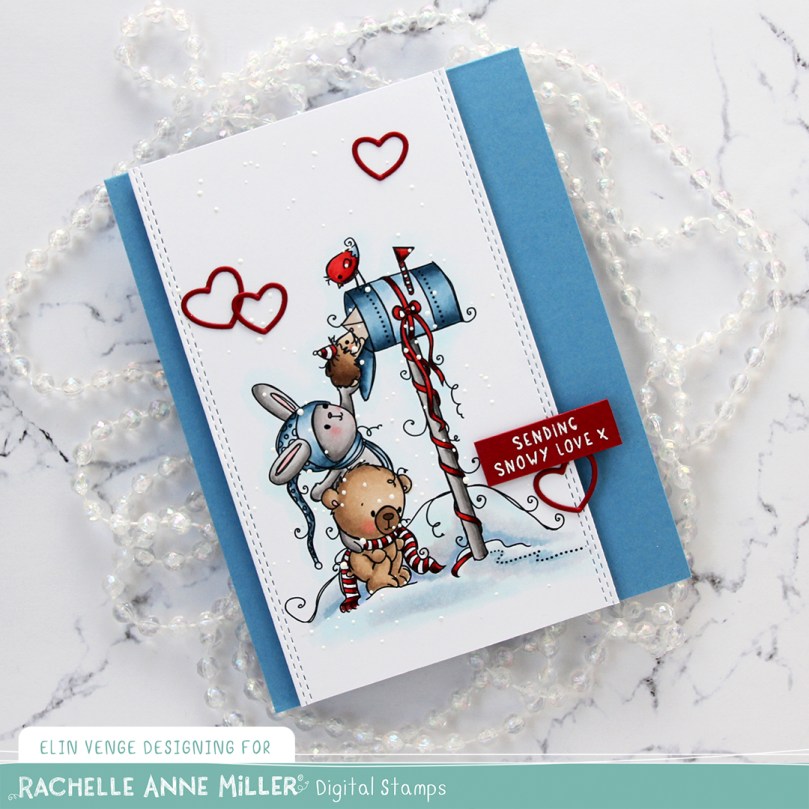 I white heat embossed a sentiment from the Christmas Greetings stamp set from Lili of the Valley onto a piece of Amarena Cherry cardstock from My Favorite Things. I cut the sentiment down to a strip and added it to the card using foam tape.
 To finish off the card I added a few die cut heart outlines. These are from the Wax Seals die set from Waffle Flower. There are two different sized hearts in the die set, I used both for this card and cut them from Amarena Cherry cardstock before adhering them to the card.
 Simple color palette for this one. Lots of colors used for the snow, that’s pretty much a given when I color snow.
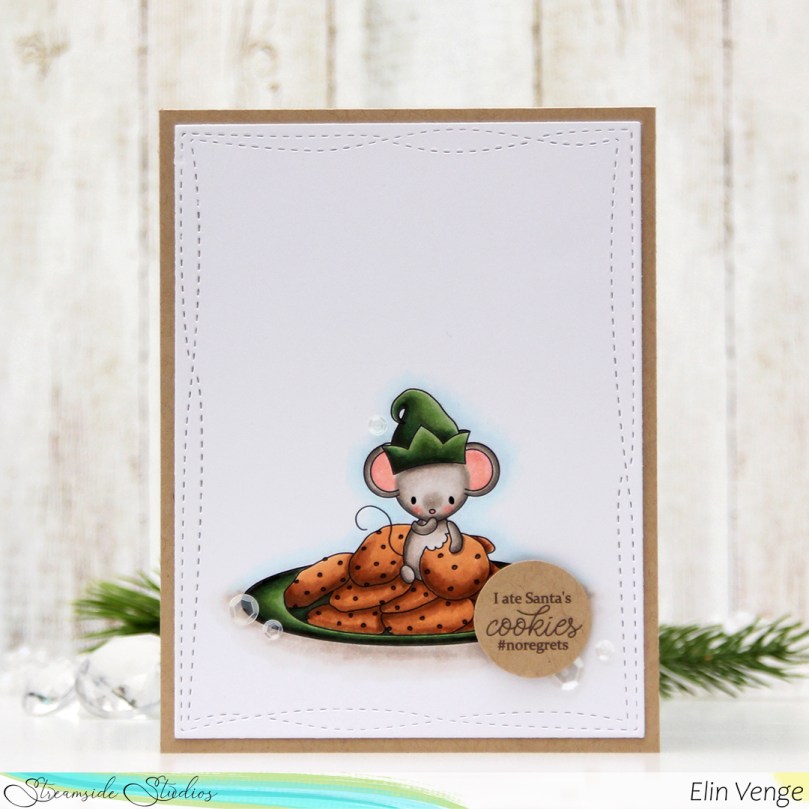 I colored up the image yesterday, actually, while watching Tim Holtz’ live on Instagram. Once the coloring was complete, I used the largest of the dies in the Wonky Stitched Rectangle STAX die set from My Favorite Things to give it a nice faux stitch edge.
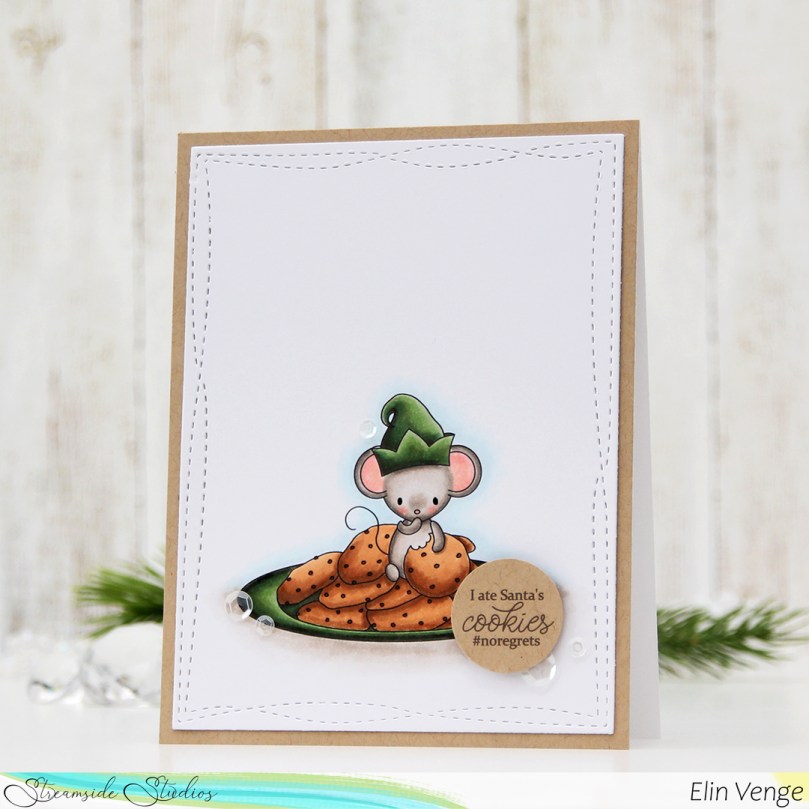 I adhered my colored and die cut panel to a quarter piece of Classic Kraft cardstock from Papertrey Ink, then adhered it all to a top fold note card I created from white cardstock, also from Papertrey Ink.
 I thought the sentiment was perfect for this little image, and decided to print it in brown onto Classic Kraft cardstock. I then used a 1″ circle punch from EK Success to cut it, then added it to the card using foam tape for a little bit of dimension.
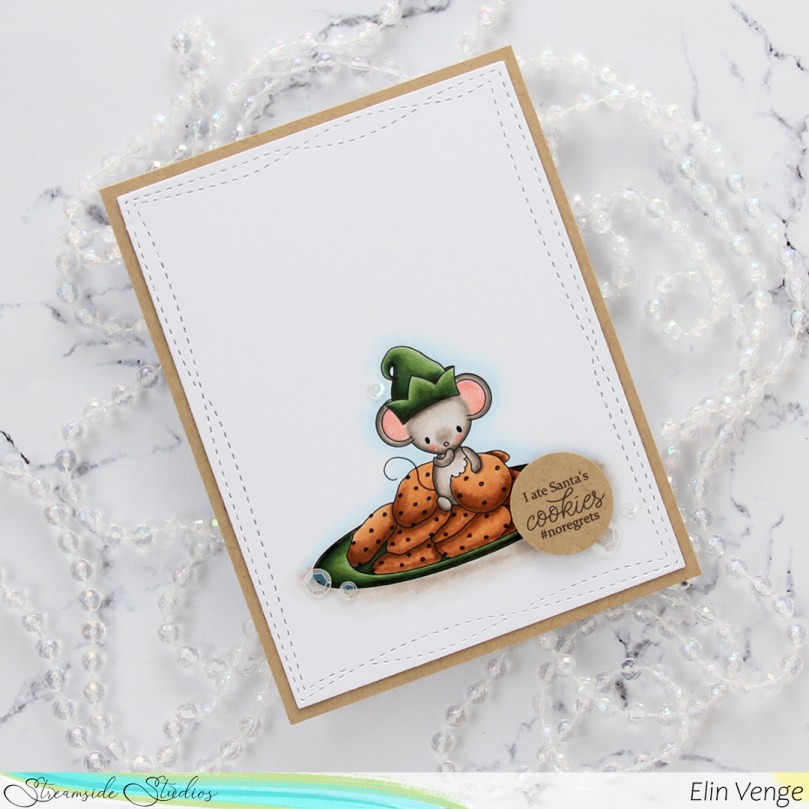 I kept the card very simple and decided to only add a few sequins. I love the sequin mixes from Little Things from Lucy’s Cards and use them very often on my cards. These particular ones are from the White Orchid sequin mix.
 A little bit of a side view shows the dimension and those sequins a little bit better.
 Not a lot of Copics used for this card, this came together really quickly.
 I’ve created a very simple card this time, featuring this cute little car from the new
  I did some simple no line coloring of the image. I hadn’t done no line in a while when I created this, so opting for this tiny image was perhaps not the most brilliant idea ever. It’s kind of what I do, though, I jump in. I used a grey Copic to give the illusion of someone sitting in the car, used a couple of blues for some simple shading near the tires and kept everything very simple.
 Using four different shades of blue ink (Distress Inks in the colors Chipped Sapphire, Faded Jeans and Stormy Sky, in addition to Iceberg ink from Altenew), I softly ink blended an ombre sky before sprinkling on Chunky White embossing enamel for a snowy effect that I love having on my cards. I heated the panel from the back, melting the granules and adhered the panel onto a top fold card base I created from white cardstock from Papertrey Ink.
 Using the sentiment die from The Penguin’s Waddle die set from Mama Elephant, I created a chunky sentiment by adding several die cuts together for a stacked, dimensional look. I adhered it to the top center of my card and finished it off by placing a few snowdrift sprinkles from Little Things from Lucy’s Cards near the car.
 I love a dimensional die cut sentiment, it kind of says I mean business and adds so much to a simple card!
 Simple color palette for this one. It’s a simple card with a tiny image, so it’s kind of a given.
 This is one of the penguin chicks from the
 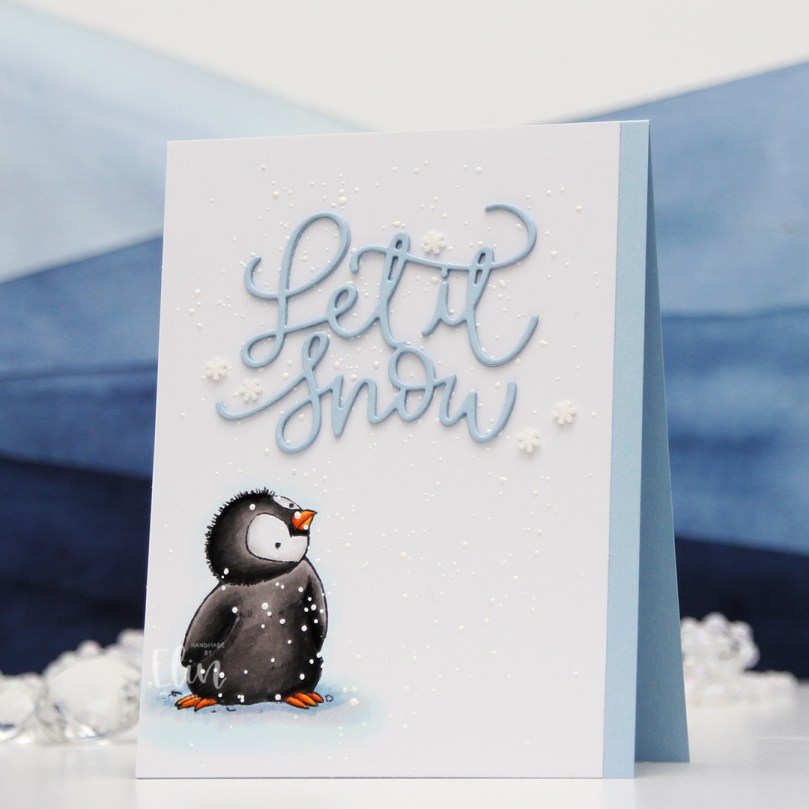 I colored the penguin very simply with my Copics, sprinkled on chunky white embossing enamel to my panel and added it to a top fold note card I created from Blue Breeze cardstock from My Favorite Things. I then die cut the Let it snow sentiment using a die from Mama Elephant. I die cut three layers of the same blue color cardstock and adhered them for a stacked look in the top center of the card before finishing off with a few snowdrift sprinkles from Little Things from Lucy’s Cards.
 Very simple color palette for this one.
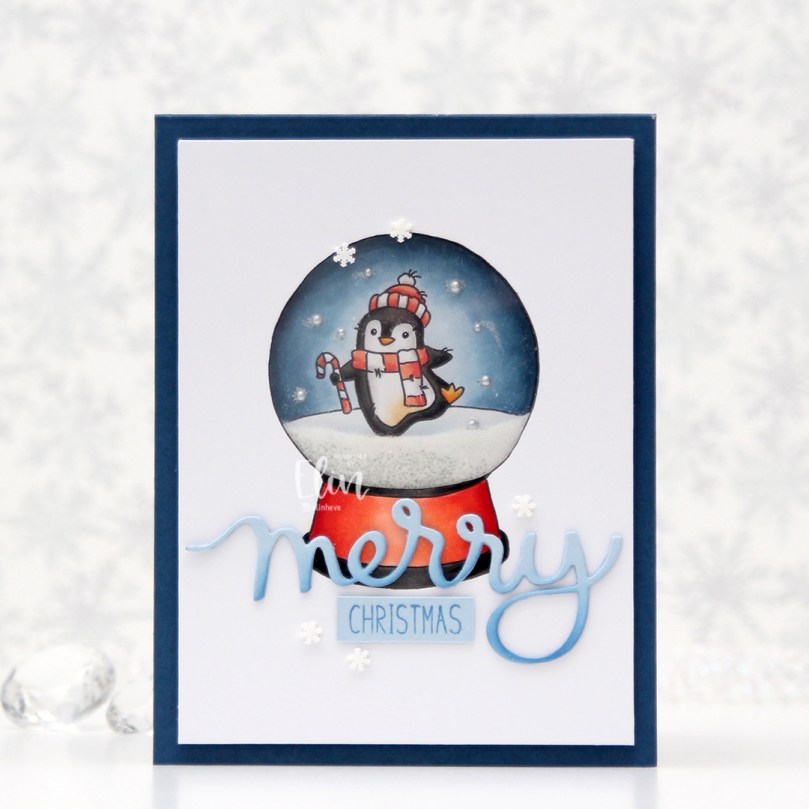 As soon as I saw this stamp set, I knew these snow globes would make the perfect shaker cards. The stamp set comes with the snow globe and six different scenes you can stamp inside. I, of course, opted for the penguin, but there’s also a snowman, a car with a tree on the roof, a house, a tree with presents and a village, as well as a few sentiments.
 I stamped and colored the empty snow globe on a quarter sheet of X-Press It blending card. I stamped the penguin on a separate piece of blending card and colored that for the inside of my snow globe. I glued a few Kort & Godt pearls around the penguin and put him aside while I worked on the rest of the card.
 I cut the center out of the snow globe and adhered a piece of acetate to the back of the white cardstock, before adding foam tape on the back of the shaker area, making sure not to leave any gaps. With glitter inside the shaker window, you don’t want it to escape.
 I put a mix of clear Distress glitter from Ranger and some micro beads inside the shaker area, before adding my colored penguin to the exposed adhesive of the foam tape to close the shaker.
 I initially put too much inside (I always seem to put too much inside) and had to pour some out to get the perfect amount. I then adhered my popped up snow globe to a card base I created from Enchanted Evening cardstock from Papertrey Ink. I used the merry script die from Mama Elephant to cut the word merry three times from Blue Breeze cardstock from My Favorite Things, stacking the die cuts for a dimensional look. Near the bottom of the letters I softly ink blended a bit of Blueberry Sky ink from Papertrey Ink to add a little bit of a gradient. I stamped the word Christmas from the
  This is a fairly simple looking card, but it’s got tons of dimension and a shaker card is always fun, right?
 Not a whole lot of Copics for this one. I did also use B90, which is a color I made myself using an empty marker, some B91 refill and blender refill.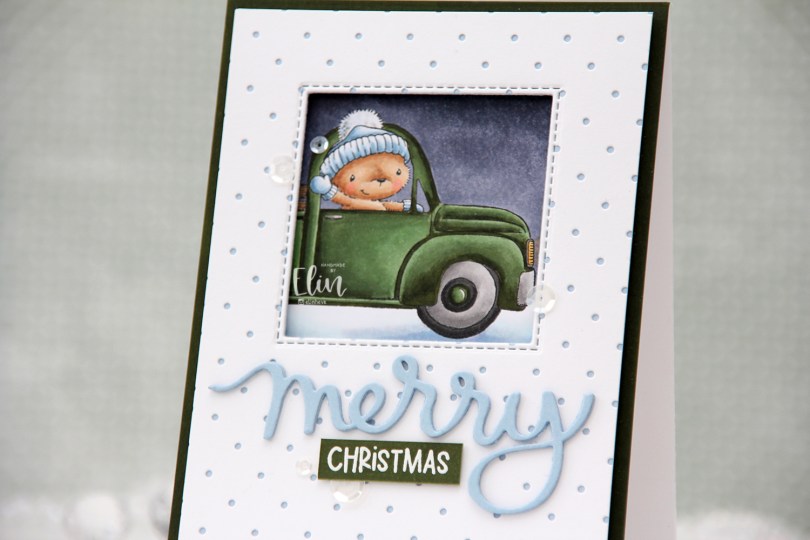
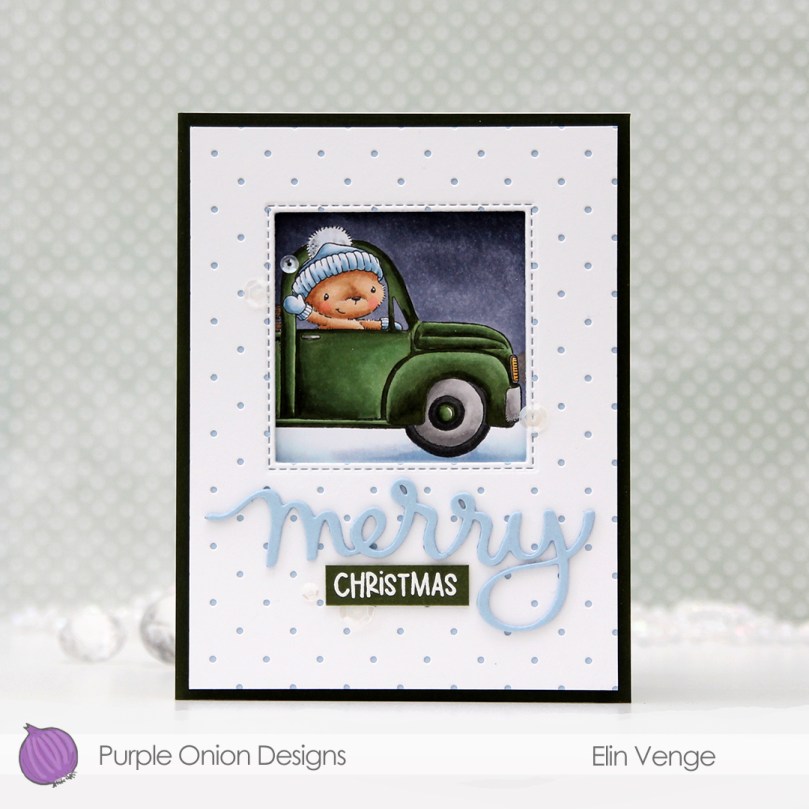
 Using the Itsy Bitsy Polka Dot Backdrop die from Lawn Fawn, I die cut a panel of white cardstock from Papertrey Ink to add a little bit of texture to the front of my card. I adhered it to a quarter panel of Blue Breeze cardstock from My Favorite Things, before using the Selfie Square die, also from My Favorite Things, to die cut a window in the top center.
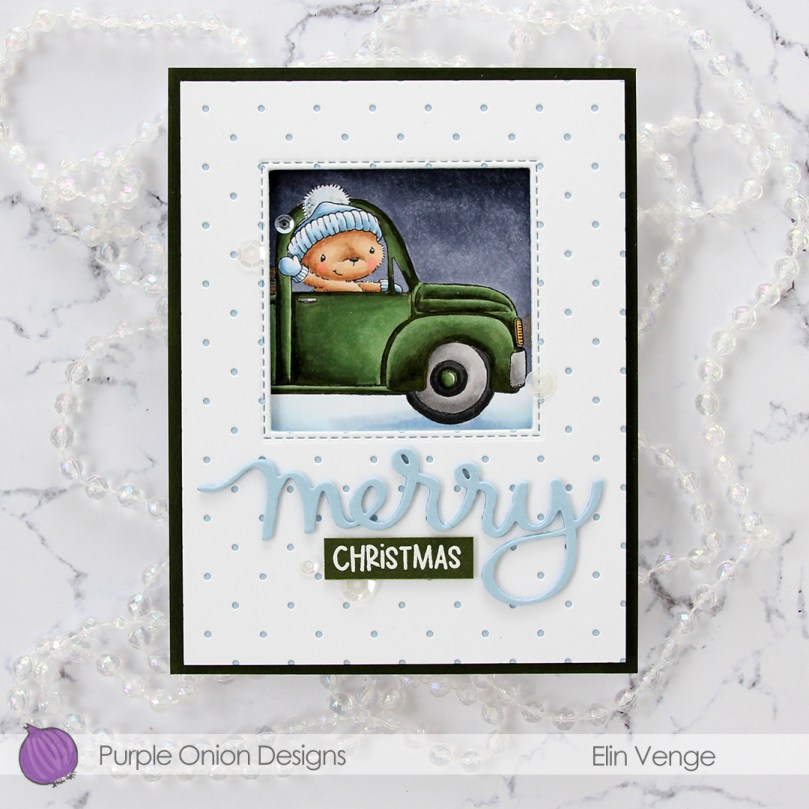 I put foam tape on the back of my polka dot panel and adhered it to my colored piece, making sure to line up the image so it would show trough the window the way I wanted it to. I then grabbed a quarter panel of Jalapeño Popper cardstock from My Favorite Things and used my G99 Copic marker and scribbled it close to the edge of the green cardstock to make the color match my car a little bit better. Green cardstock is tricky, and I don’t often find the right kind of green that I want for my projects. This was an easy hack, but if anyone out there has a suggestion for a green cardstock that is close in color to G99 (or G94), please let me know.
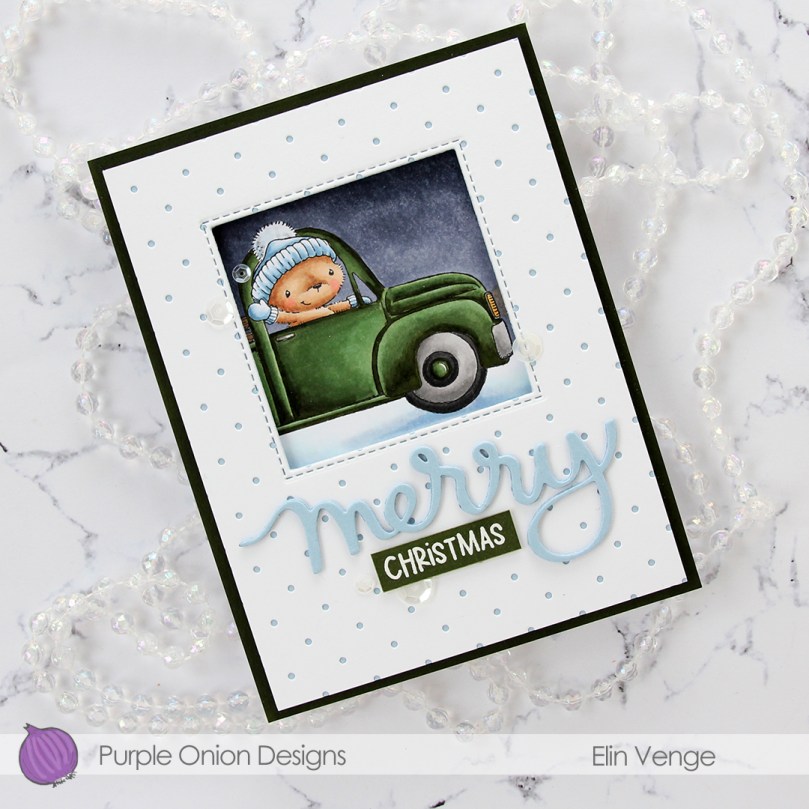 I adhered my improved green cardstock to an A2 top fold white note card and mounted the polka dot piece with the colored window using foam tape – lots of it. I then used the same Blue Breeze cardstock that I used previously to cut the word merry three times using the Merry Script die from Mama Elephant. I love their script dies! On the top layer I spritzed sheer shimmer craft spray from Imagine for a bit of sparkle to the letters. Unfortunately, details like that are tricky to photograph, but it’s definitely noticeable in real life, trust me 🙂
 Onto a leftover scrap of X-Press It blending card, I scribbled an even layer of G99 to create a dark green cardstock that would match my colored image. Onto it, I white heat embossed the word
  I love my Copics and used quite a few for this rather simple image.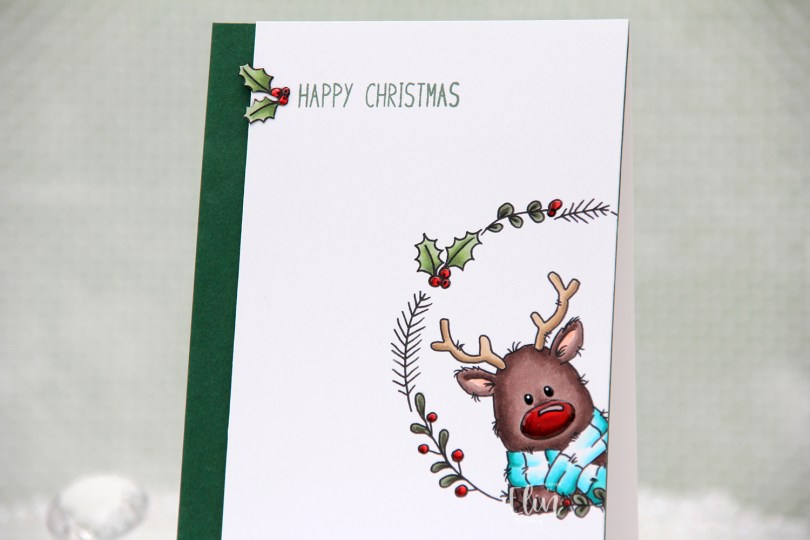
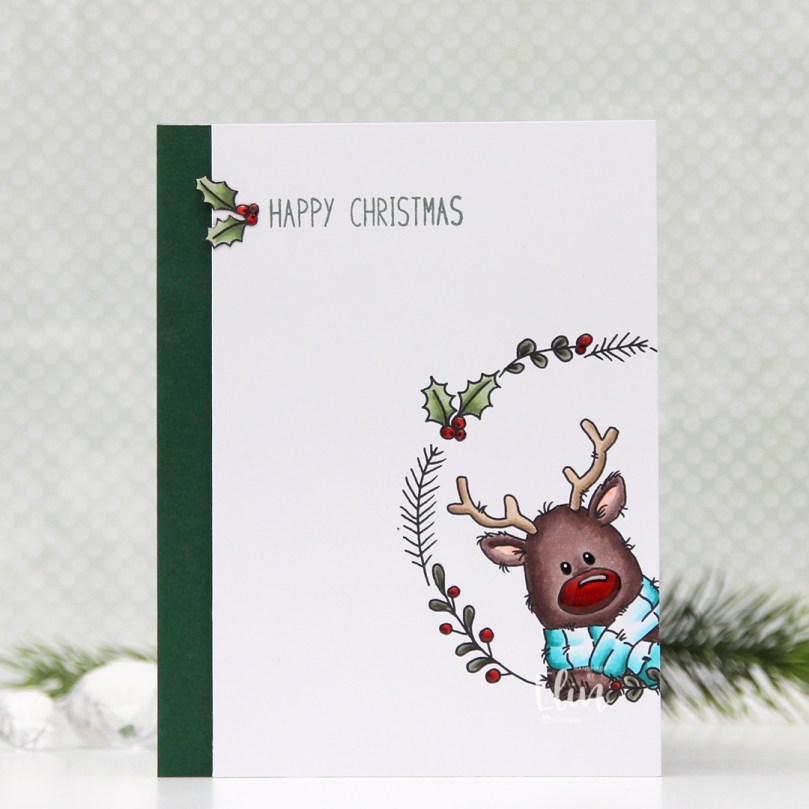 There’s a stamp set in the release which includes a wreath and six different critters you can put inside, as well as a few individual stamps that go well with the wreath. I chose the wreath and the reindeer in the set for this card, making sure Rudolph was stamped a little crooked peeking into the front of the card from the side, I thought that made for a dynamic card design.
 Using my Copics, I colored Rudolph and the wreath and also one of the smaller images, which I also fussy cut.
 I trimmed my panel down so that it was 1/2″ more narrow than the card base and mounted it on foam tape onto a 4 1/4 x 5 1/2″ piece of Clover cardstock from Concord & 9th. They have the most gorgeous color range! Their cardstock isn’t very thick, so I don’t use it for card bases, but their colors are magical. This panel I adhered to a top fold card base I created from Stamper’s Select White cardstock from Papertrey Ink.
 I stamped a sentiment from the
 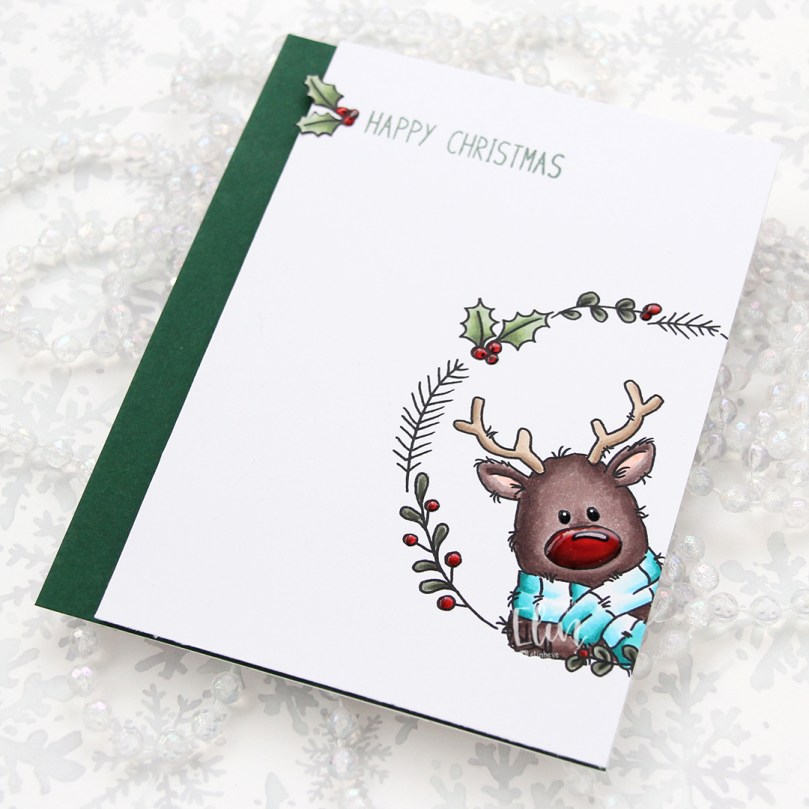 To finish off the card, I decided to add a layer of black glaze pen to Rudolph’s eyes. This makes them shiny and also adds a tiny bit of dimension. Once dry, I put a white dot in each eye using a 05 Gelly Roll pen. I also added Glossy Accents from Ranger to the berries and Rudolph’s nose for some extra shine.
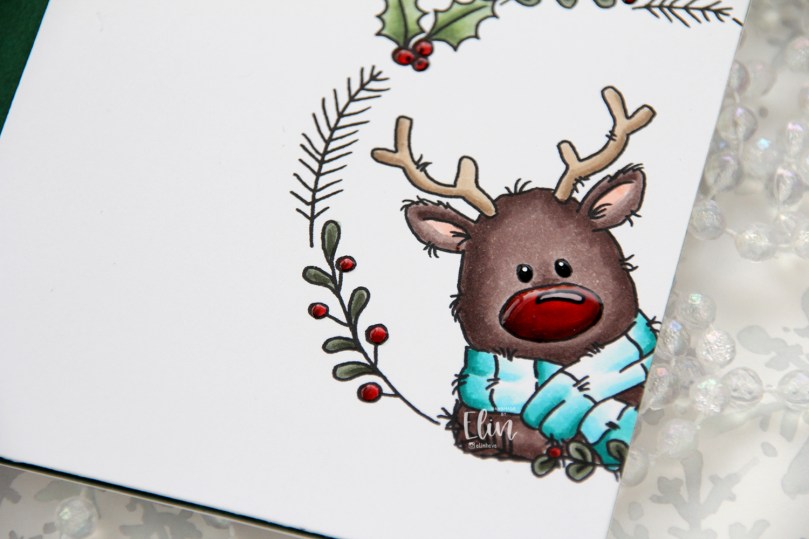 Rudolph and his shiny nose say hi. It’s really shiny!
 Fairly simple color palette. This card was so much fun to make, I love the playfulness of Rudolf with his head tilted in from the side of the card.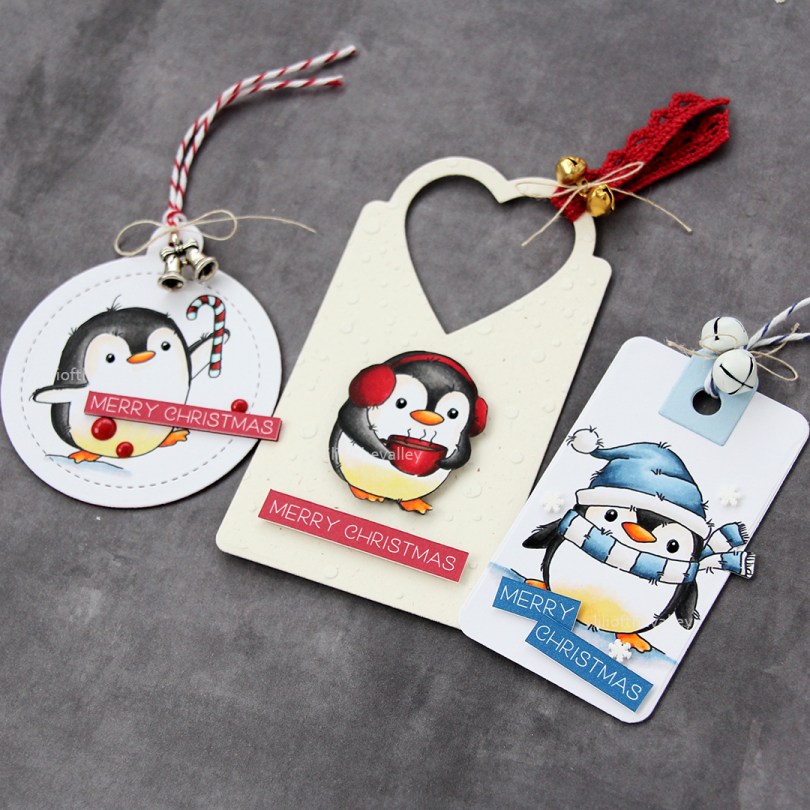
 These penguins are about 4 cm tall, which makes them the perfect size to create gift tags from. By stamping them on a sheet of X-Press It blending card (or your cardstock of choice) with a little bit of space between them, you can die cut some and fussy cut the remaining ones. I decided to fussy cut the one in the center, while using dies for the other two.
 I colored all the penguins with Copics and used a black glaze pen to create a little bit of shine and dimension to their eyes. Once the black was dry, which didn’t take long, I used a white Gelly Roll 05 on top of the black to put the white back into their eyes.
 I’m starting with this fussy cut penguin. In a drawer, I had a scrap of a snowy background that I created last fall using Rustic Cream cardstock from Papertrey Ink, the Falling Snow stencil from Simon Says Stamp, modeling paste from The Crafter’s Workshop and Rock Candy distress glitter from Ranger. I decided to put it to use and die cut it using the 210 die from Kort & Godt, I really like the heart shaped hole it creates at the top. I mounted the penguin using foam tape and added a sentiment strip below. The sentiment is from the
  On the back, I added die cut letters to spell the words to and from. The words are from the Tag Builder Blueprints 6 die set from My Favorite Things, die cut from Amarena Cherry cardstock, also from MFT.
 Simple color palette for this one.
 Next up is the circular tag. I used the Tag Builder Blueprints 6 die set for this one as well, as well as another sentiment from the Christmas Greetings stamp set from LOTV. I added Divine Twine in the color Cherry to the top, a bell charm and a few red enamel dots from Papirdesign to finish it off.
 A few additional colors for this one, I wanted to ground my penguin and also needed some color on that candy cane.
 For the blue one, I used the Fold-Up Tags die set from My Favorite Things to create my tag. I made sure not to cut off his scarf by fussy cutting that and putting it behind the die as I ran it through my die cutting machine. I used a piece of Blue Breeze cardstock from My Favorite Things to create the reinforcing element near the top, added some Divine Twine in the color Blueberry, a couple of white bells from UiT Hobby and some thread that’s actually meant to use with a loom (it’s super strong). Once again, I used the Christmas Greetings stamp set for the sentiment, and scattered a few snowdrift sprinkles from Little Things from Lucy’s Cards to finish.
 On the back, I used that same die from the Tag Builder Blueprints 6 die set from My Favorite Things that I used for the other two tags, this time die cut from Enchanted Evening cardstock from Papertrey Ink.
 Once again, simple color palette. These were such fun to make. I want to make more, and have a bunch on hand when it’s time to wrap Christmas presents, so I’m not rushing last minute to get the tags done.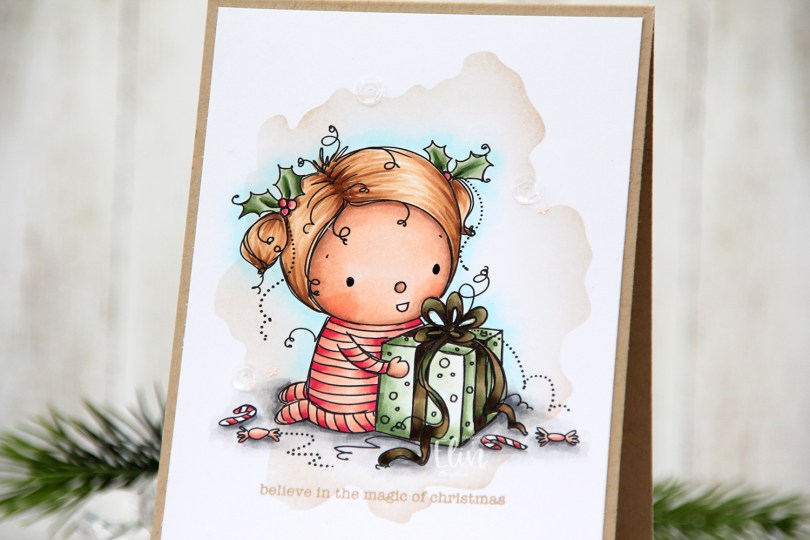


 Papirmølla