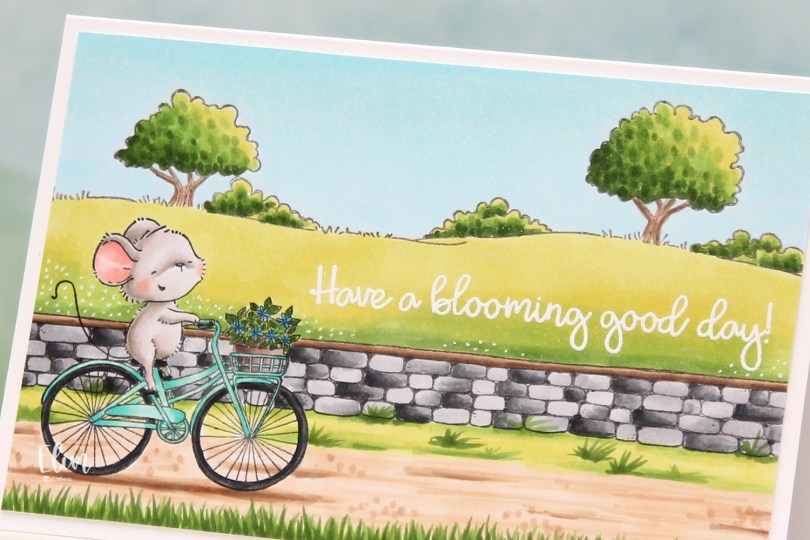
Hi, crafty friends. I have a springtime card to share today. Can you tell I’m sick of this cold, wet, snowy, rainy weather? This is Anna from Purple Onion Designs, riding her bike in the country side with a stone wall separating her from fields of green.
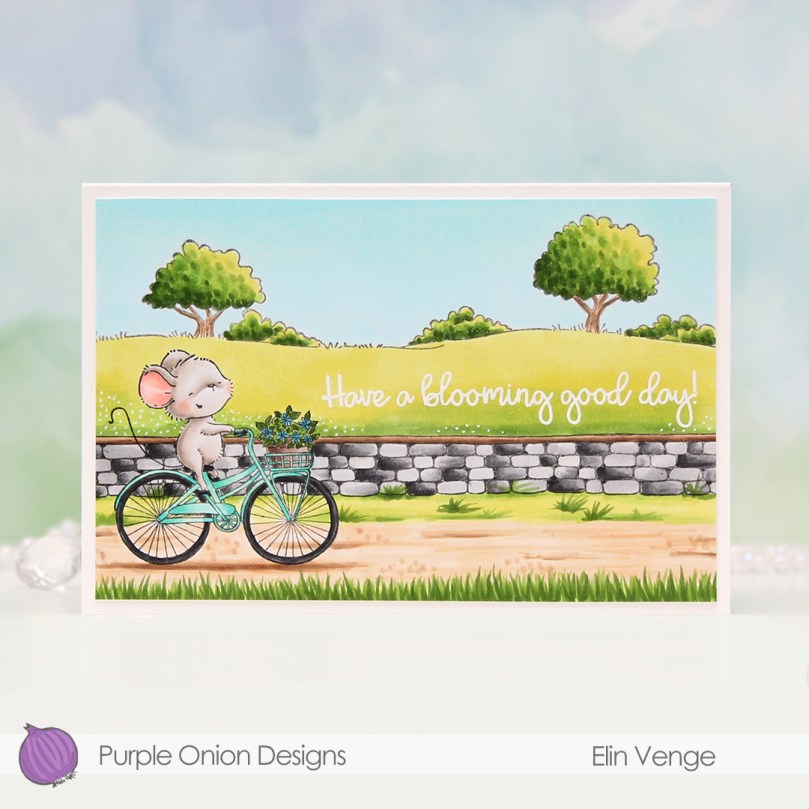 I love how happy this mouse looks riding that bike. Stacey Yacula has a way of creating characters that really come to life, I’m such a big fan of her style.
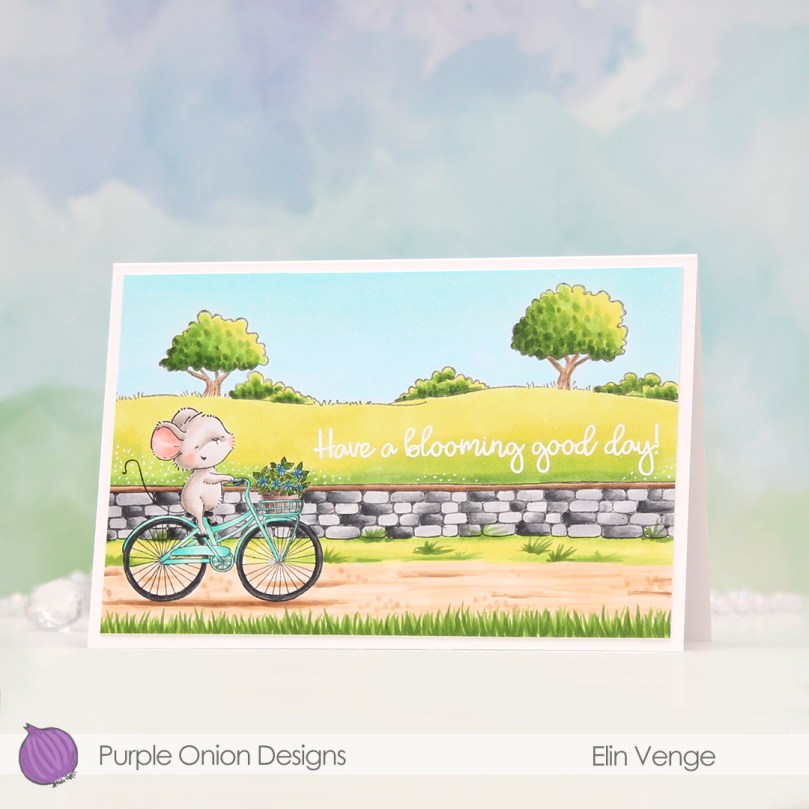 I stamped Anna, added a mask, then stamped the stone wall. Both were stamped with Extreme Black ink from My Favorite Things, which is a Copic friendly ink. I then used second generation stamping with the country side background, this time with Memento Espresso Truffle ink for a somewhat softer look.
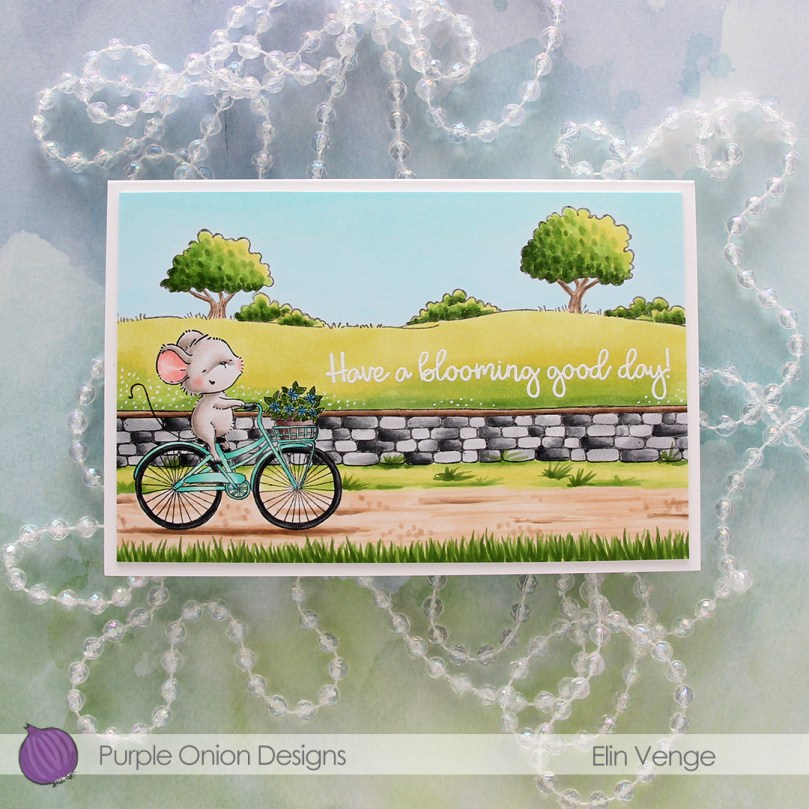 I colored in my scene using Copics, then stamped and white heat embossed a sentiment from the Around the Town sentiment set.
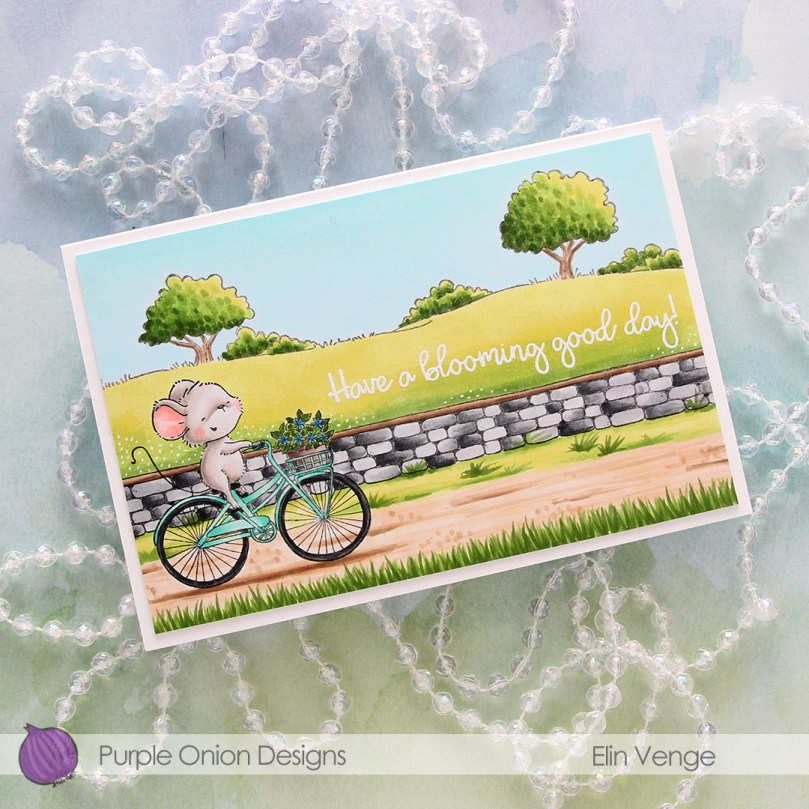 I used a white Gelly Roll 05 to create the white dot “flowers” in the background and added my panel to a top folding white card base I created. The finished card measures 6 x 4″.
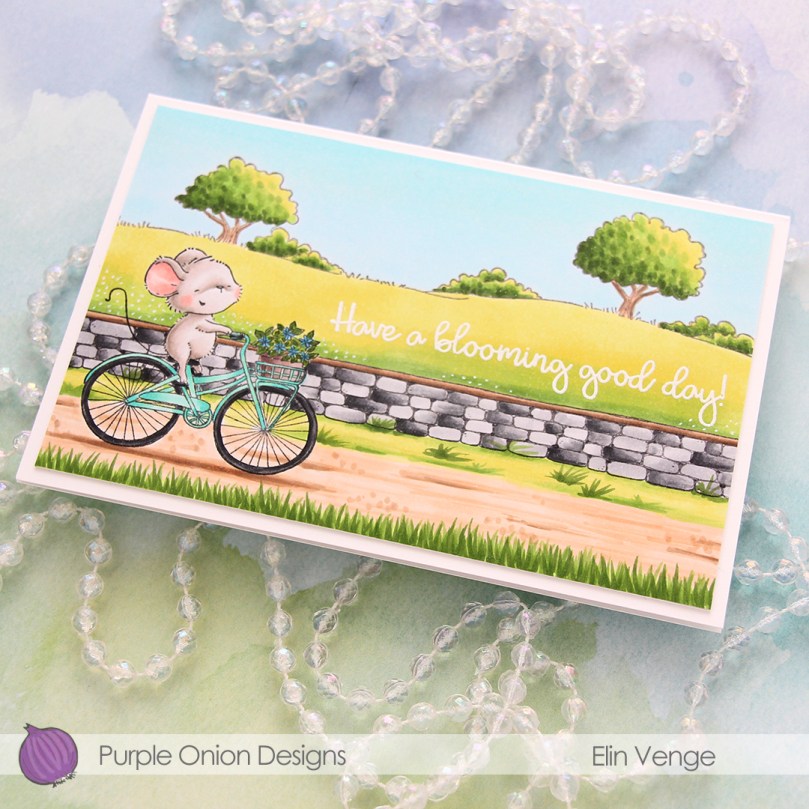 This is a very mail friendly card. No embellishments, it’s almost one layer and sooo simple.
 Quite a few Copics, but that usually happens with these full scene cards I create with Purple Onion stamps.
 This is
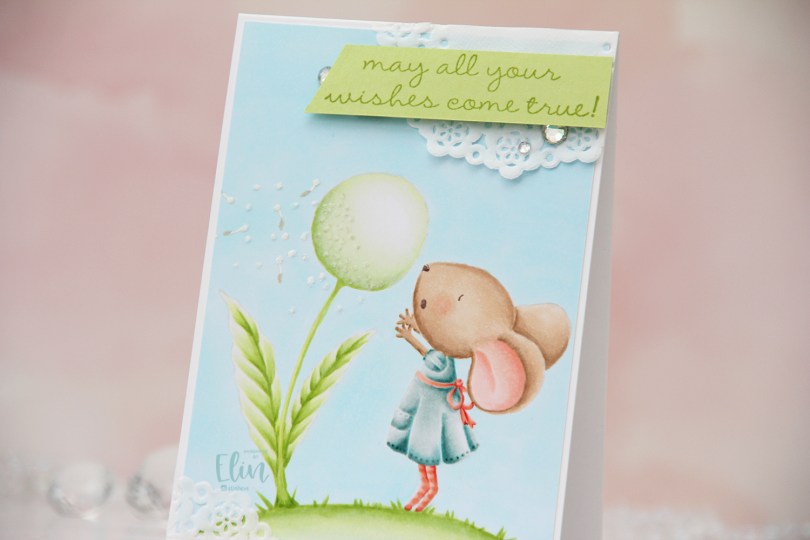
  I love no line coloring, and no line is perfect for an image like this, which has just enough detail to make it interesting, but it’s still large enough to get soft gradient in colors and not too fiddly.
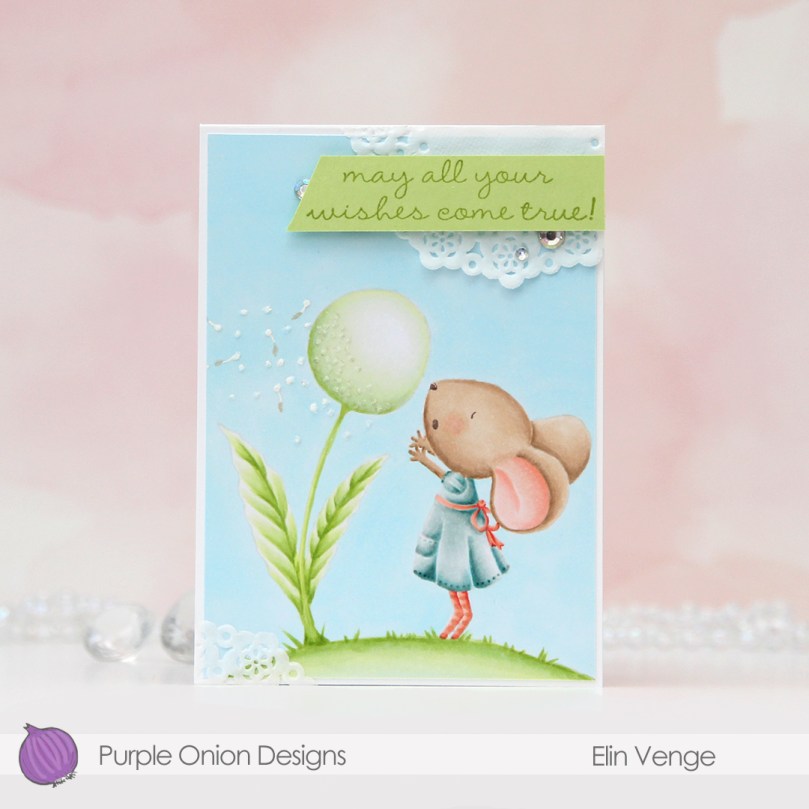
 Once I finished my coloring, I added my panel to a 4 bar card base I created from Stamper’s Select White cardstock from Papertrey Ink. I created some texture to the dandelion fluff by using my Quickie glue pen and sprinkling on Rock Candy Distress glitter.
 I adhered scraps of a Doodlebug mini paper doily to opposite corners of the card to add to the soft, delicate look I was aiming for. Using Sour Apple ink from My Favorite Things, I stamped a sentiment from the
  Very soft color palette.
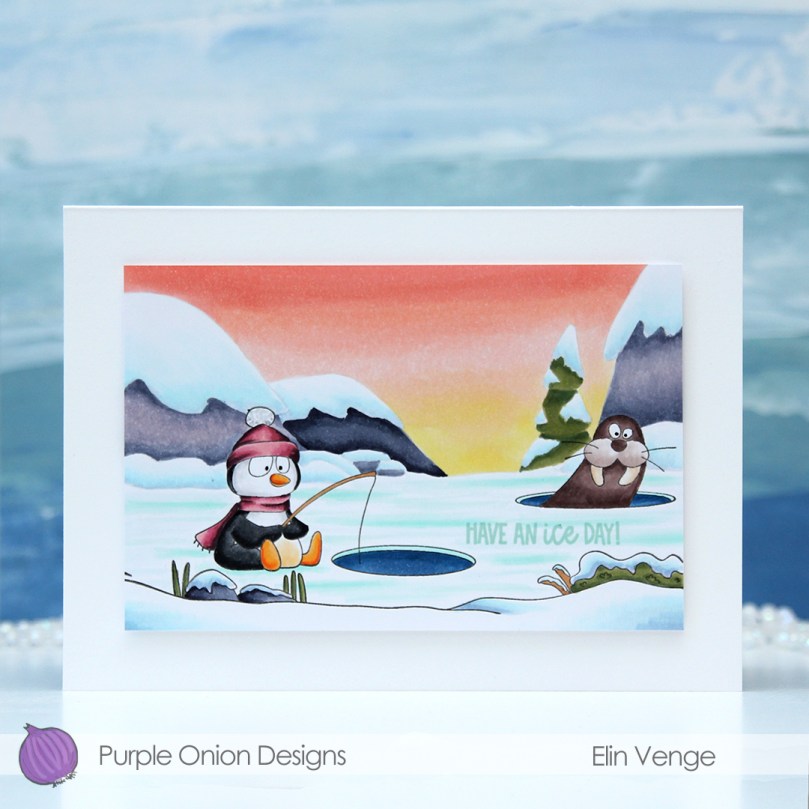 Meet
Meet  I stamped and masked both Parker and Walter before using the
  I didn’t want to mess up the card too much with my sentiment, so I decided to add a subtle one from the
  I cut the panel down to 6×4″ and mounted it in the center of an A7 card base using foam tape. And that’s it. Super simple.
 Not so simple; the coloring. A lot of Copics went into creating this card. It’s become the norm for me when creating these full scene cards using Purple Onion images.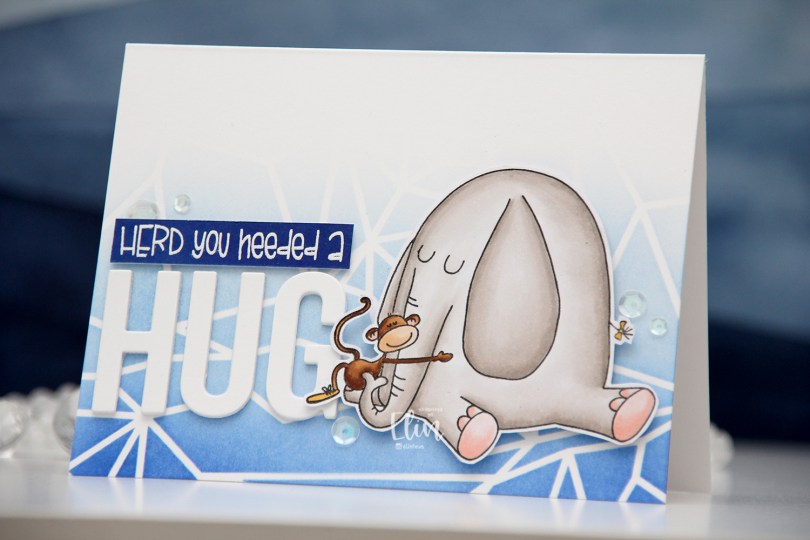
 I chose to color Elliot in a very soft grey, and once fully colored, fussy cut the image leaving a thin white border. I put the image aside and started working on the rest of the card.
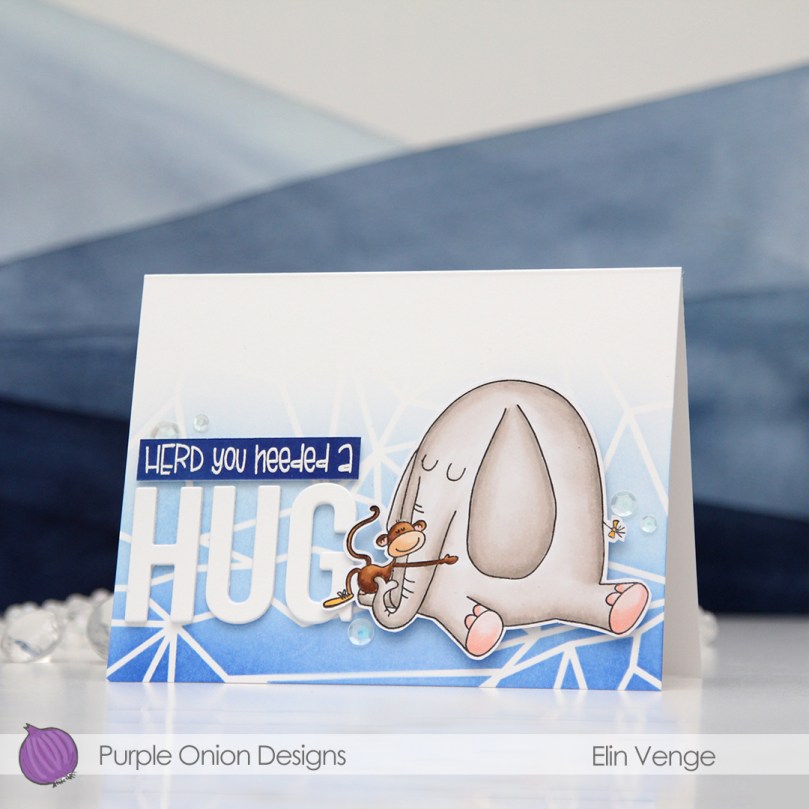 I felt a landscape design would work best for what I had in mind, and used the Geometric Landscape stencil from Altenew to create some interest in the background with blue inks, also from Altenew. I used the entire Lapis Lazuli color palette from Altenew for my blending, (Azurite, Ultramarine, Eastern Sky, Iceberg) which fades to white at the top.
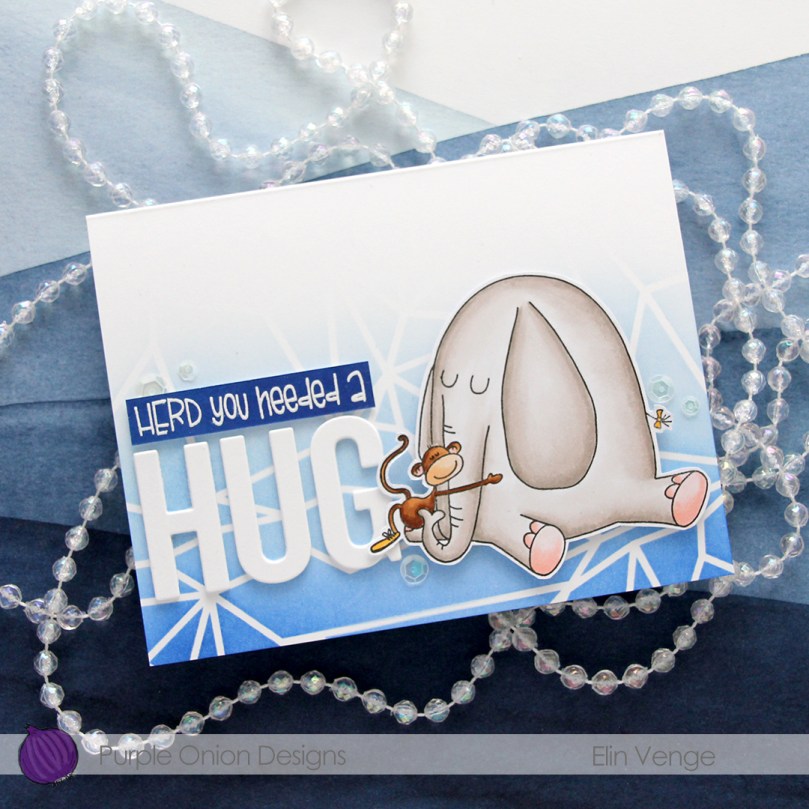 Using the Sending You Hugs die from My Favorite Things, I die cut the letters to spell out HUG four times from white cardstock from Papertrey Ink, which happens to be the same cardstock I used for my cardbase. I love their white cardstock, it’s the best by far. I stacked the letters for dimension and stamped and white heat embossed a punny sentiment that comes with Elliot & Marcel. There are actually a few more sentiments in the set, and I added another one to the inside of the card. I didn’t have the right color cardstock, though, so I cheated and covered white cardstock with the Azurite color, which is the darkest of the four blues I used for the blending of the background. To create the sentiment strip, I went direct to paper, and used my heat tool to speed up the drying process of the ink so I could stamp and heat emboss on top. I added three additional strips of cardstock behind it to make it flush with the die cut letters, adhered it to the card and finished off with a few sequins from the White Orchid Sequin mix from Little Things from Lucy’s Cards.
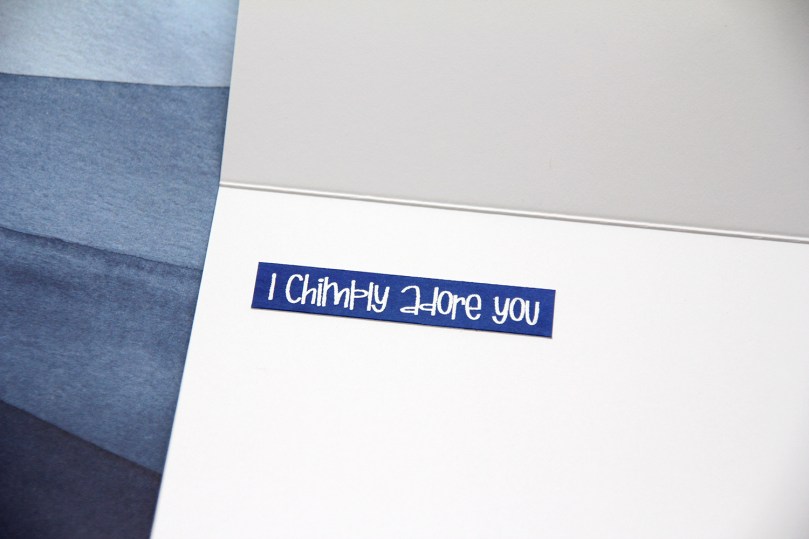 I chimply love punny sentiments and couldn’t resist.
 Very simple color palette for this one. This was fast to color.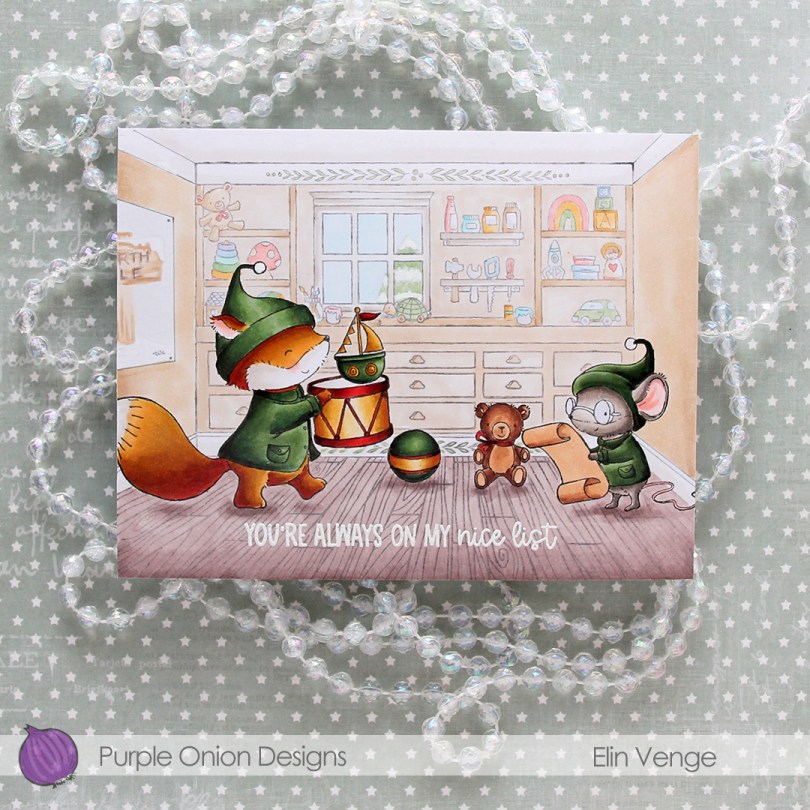
 Cue
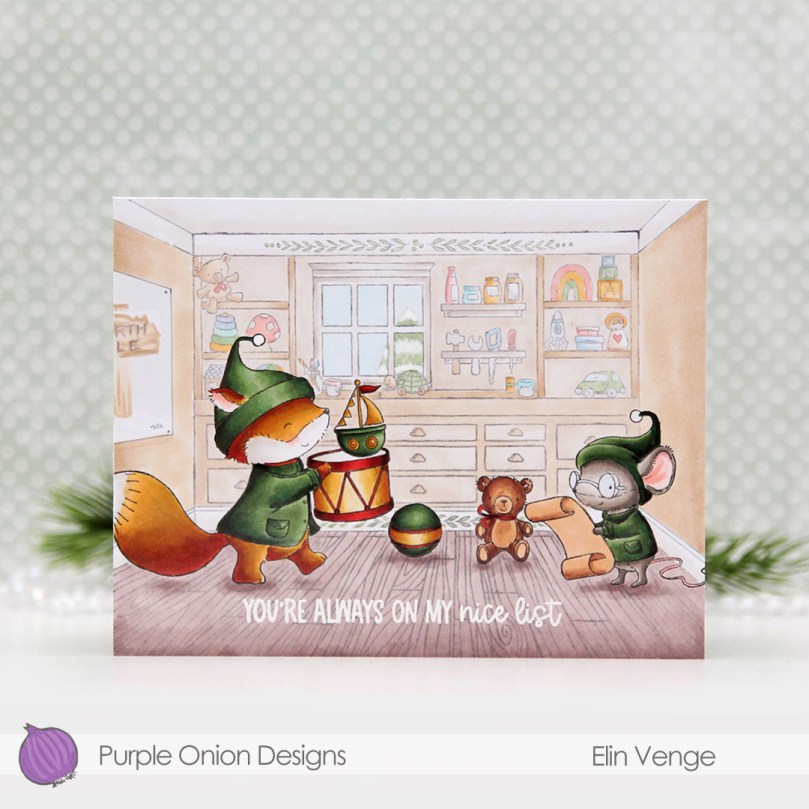
Cue 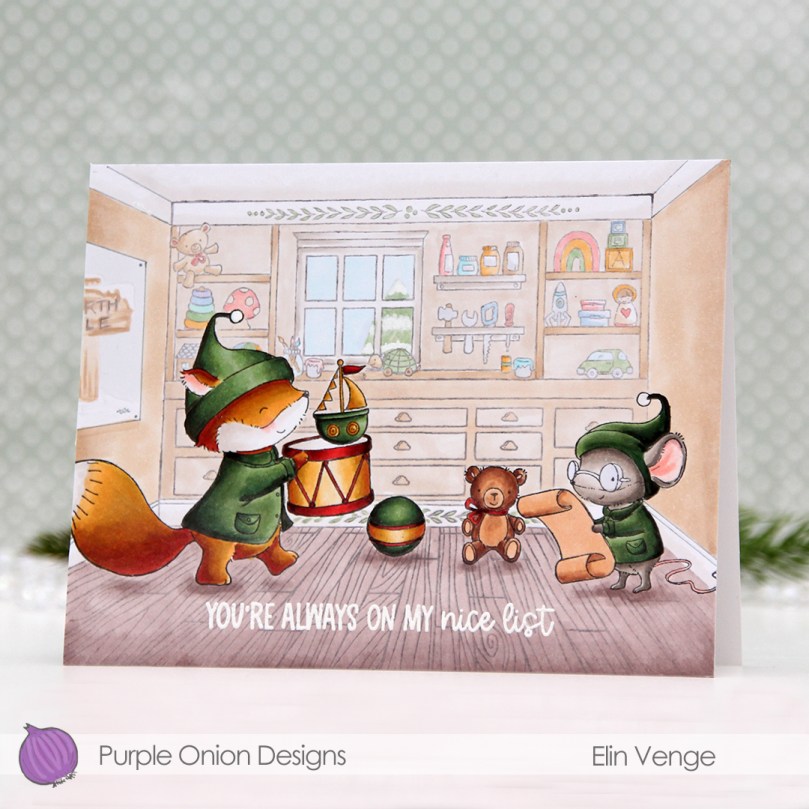 I’ve always been a fan of creating blue Christmas cards, but in the past couple of years, green has grown on me, and I think I made more green Christmas cards this year than blue ones. It helps that I’ve found a green Copic combo that I really like.
 When all the coloring was done, I stamped and white heat embossed a sentiment from the
  Lots of Copics for this one.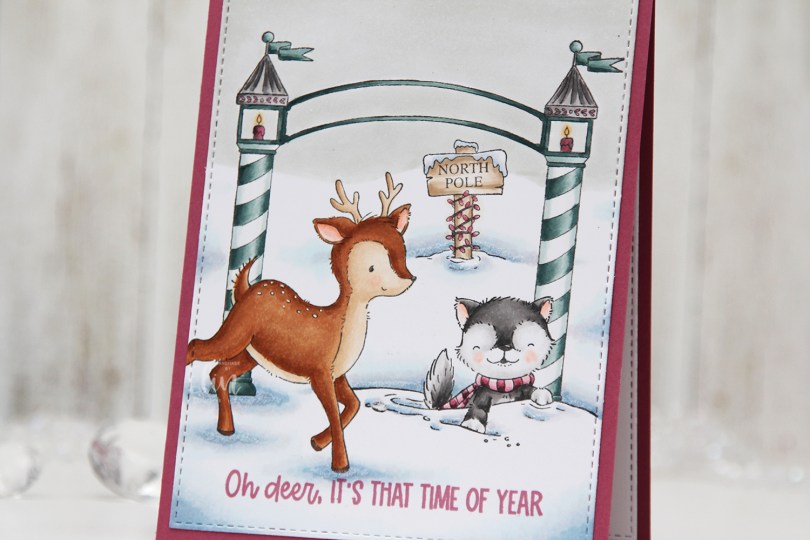
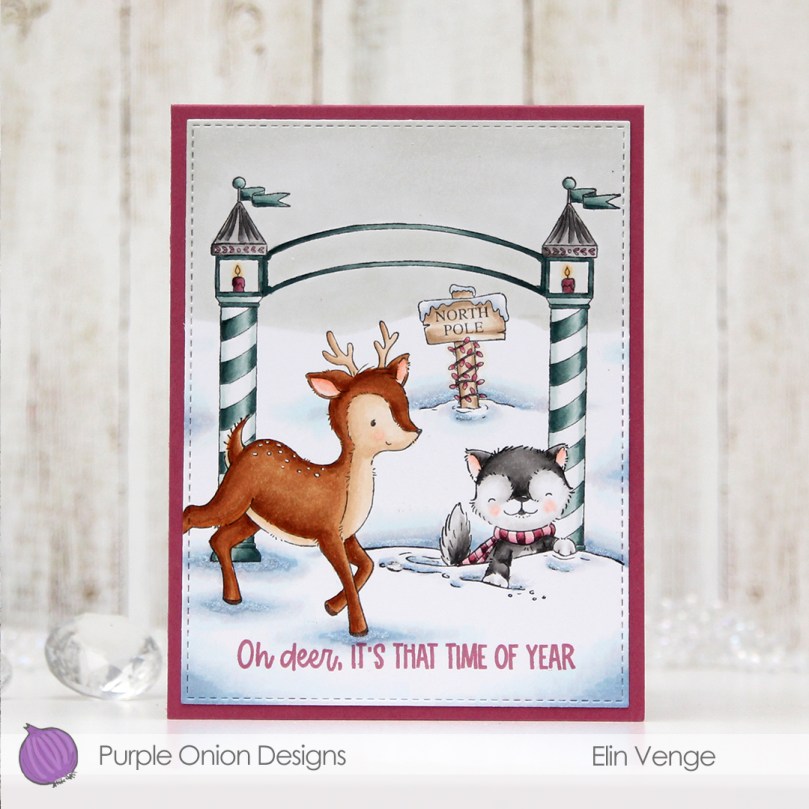
 I used a white Gelly Roll 05 pen to create the white dots on the deer, and a die from the A2 Stitched Rectangles STAX 2 set from My Favorite Things to create the faux stitching on the edges of the panel. By not stamping the entire deer, it creates a dynamic effect of having it walk in from the edge of the card.
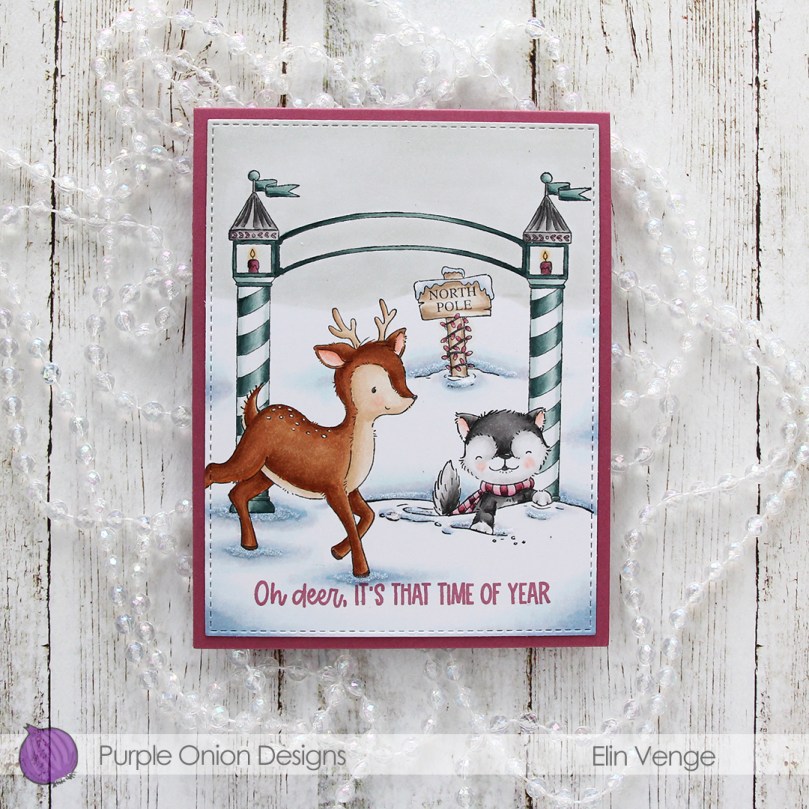 I stamped a sentiment from the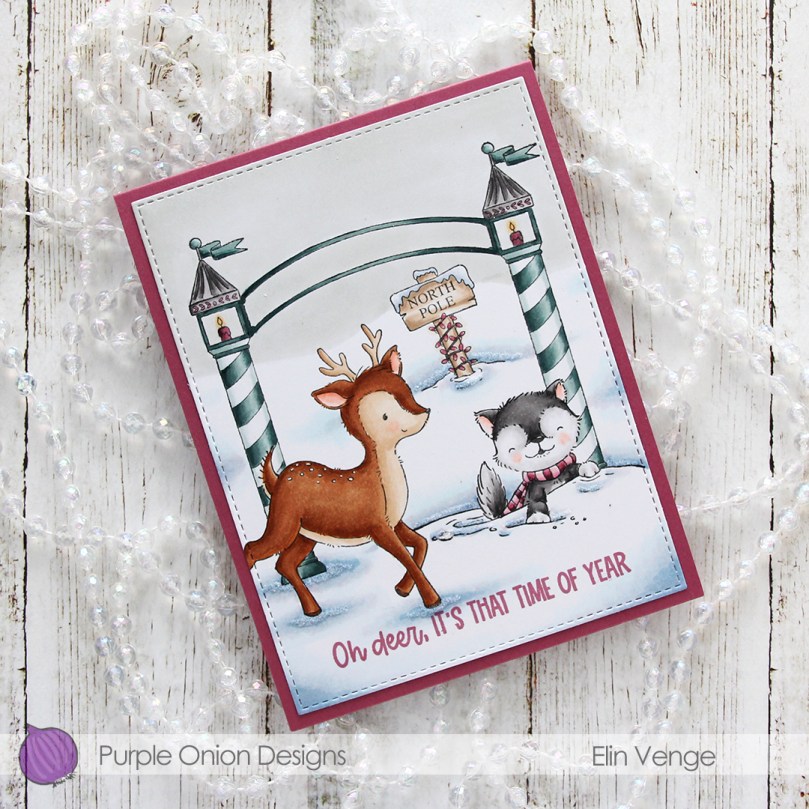
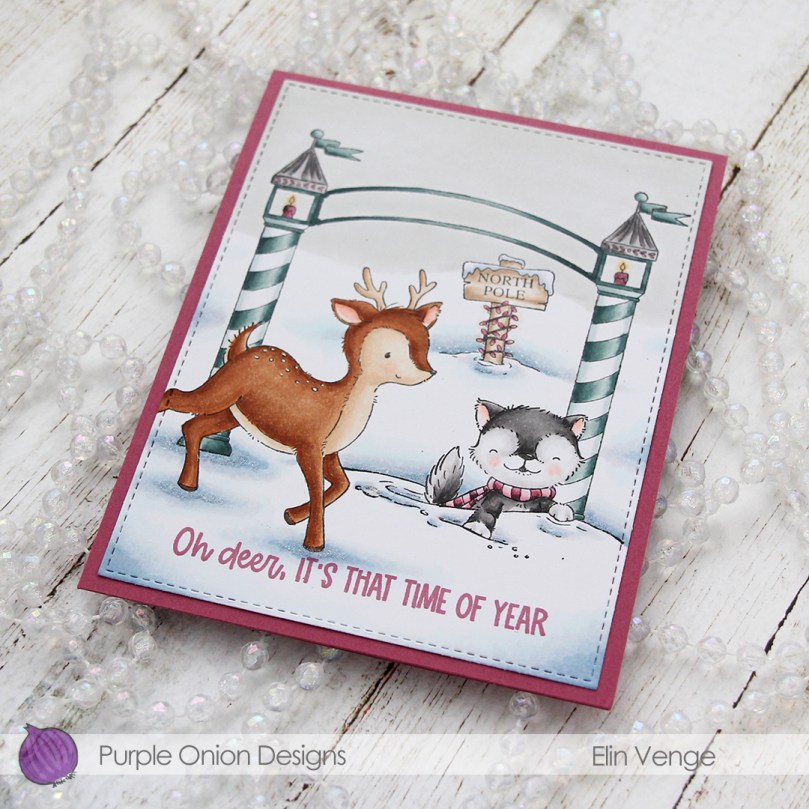 The pink and blue green color combination is definitely not traditional for Christmas, but I kind of like it. What do you think, does it work?
 Quite a few Copics for such a simple card.
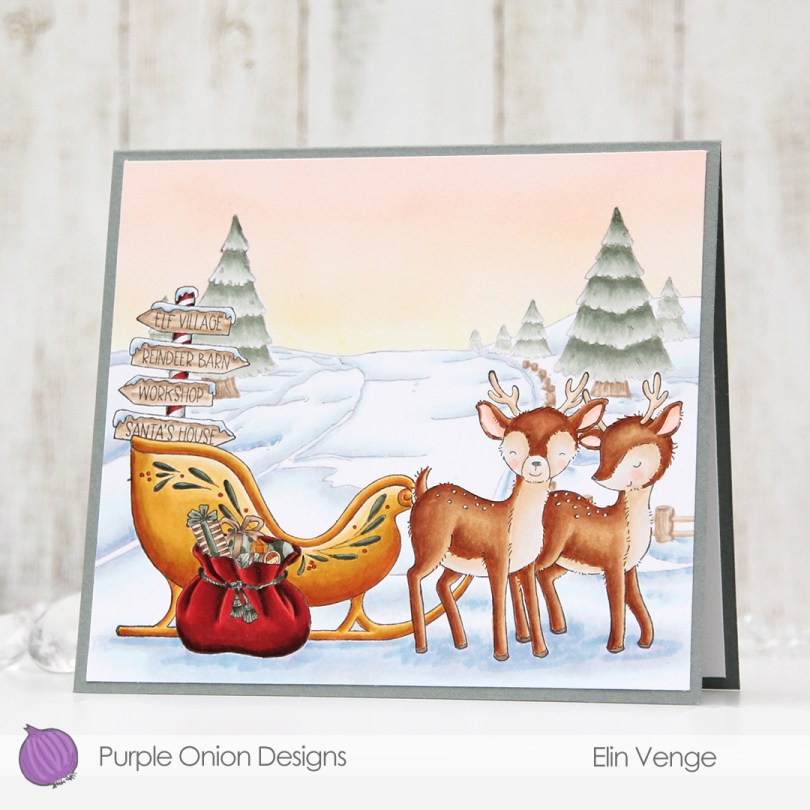
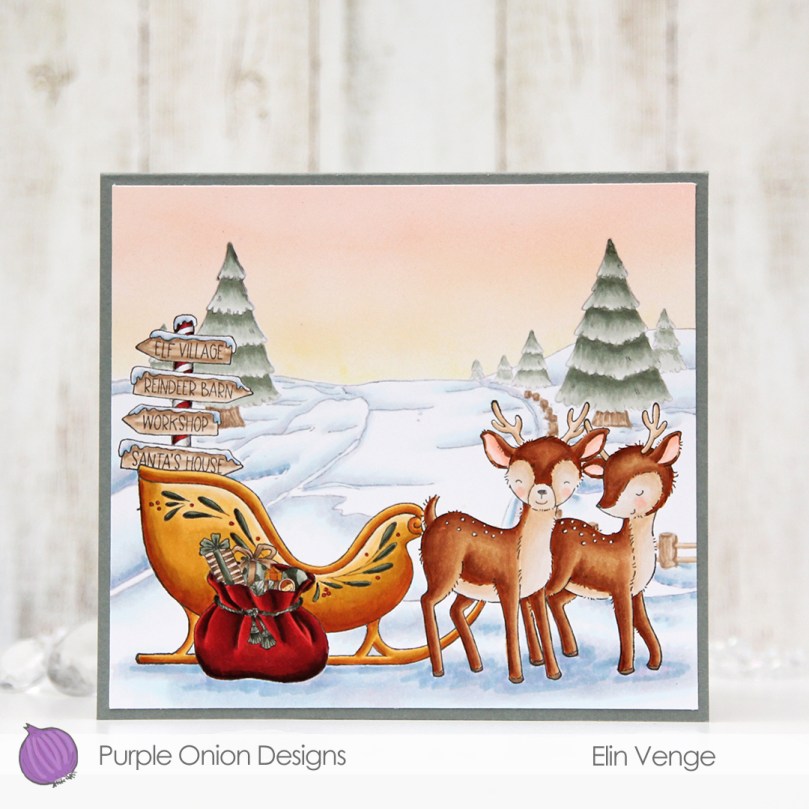 I wanted to make a peaceful scene for this card. I stamped and masked
 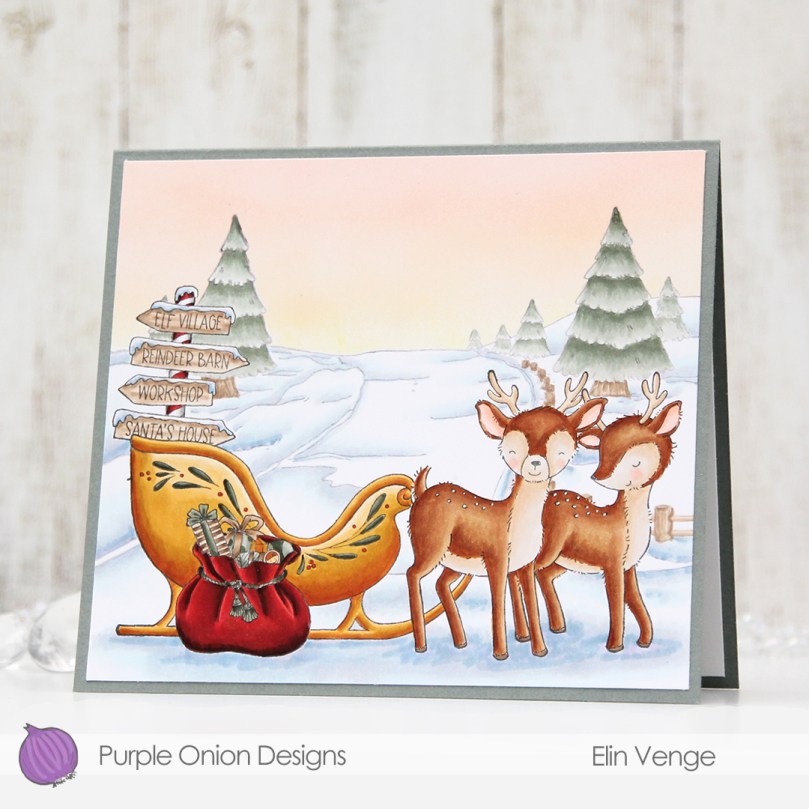 I masked off the background too, before going in with my Copic airbrush system to create a soft winter sunset. I then peeled off the masks, colored the background, then everything else.
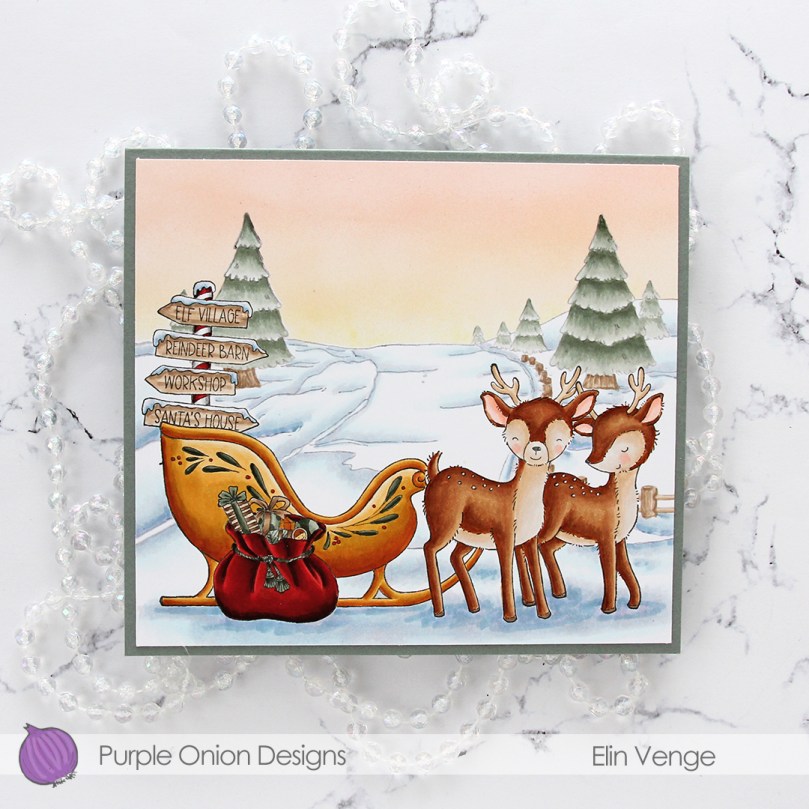 I left the red details till the end. I don’t want to run the risk of other colors picking up the red, so by leaving it to the end, I avoid that.
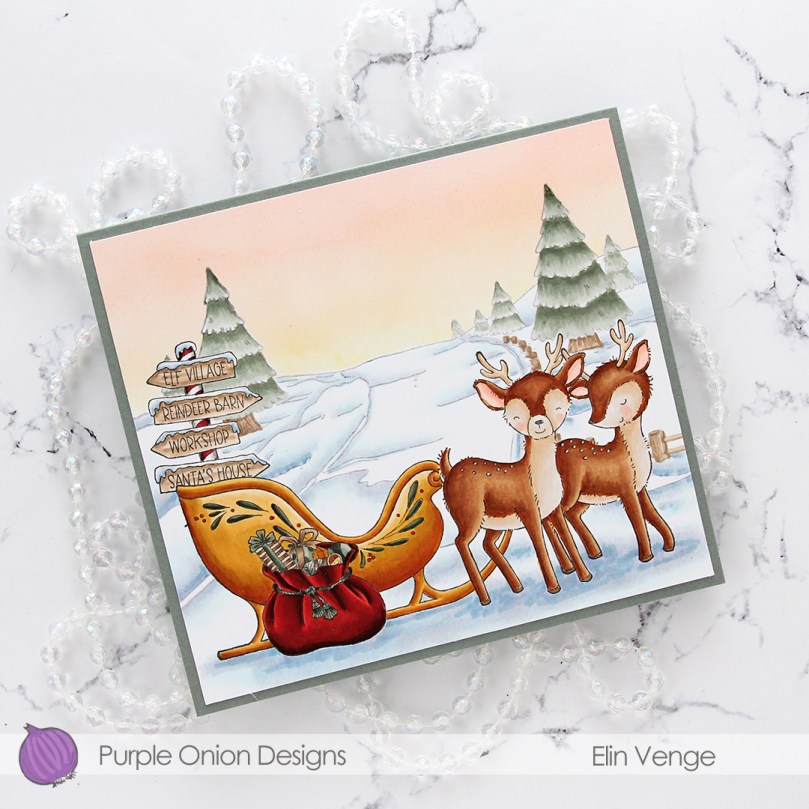 Looks like these reindeer are very patiently waiting for Santa. I wonder where he is? Actually, yesterday on my way to work, I saw a passenger on the bus with a long red Santa hat.
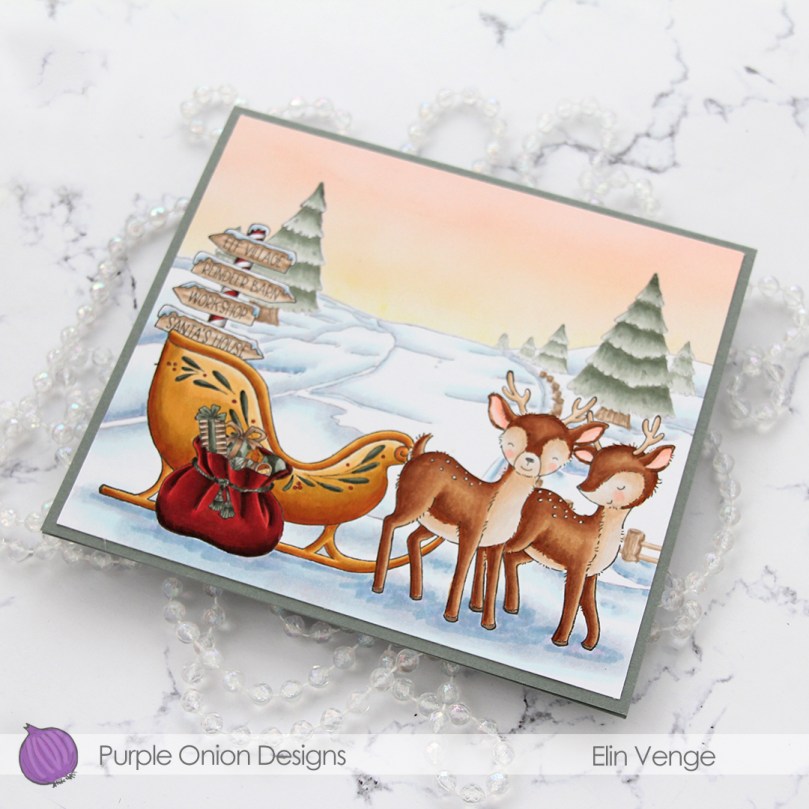 I didn’t want to mess up the sky with a sentiment, and the bottom part of the card is too full for one. I might put one inside, but to finish the card, I merely adhered my scene onto a top fold card base I created from Stormy Sea cardstock from Papertrey Ink. The finished card measures 6 x 5 3/8″, which is a bit of an odd size, but I prefer making my card size fit the scene and not the other way around when I create these full scene cards with Purple Onion images.
 Not a whole lot of Copics for this one, actually.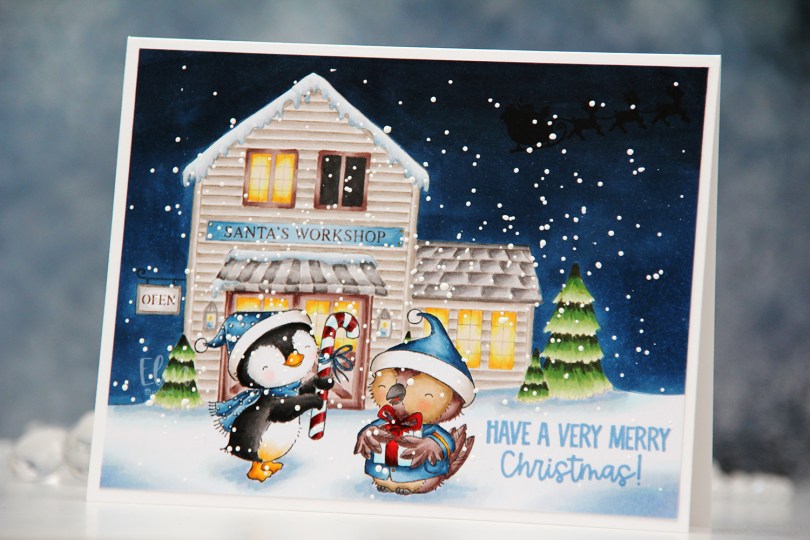
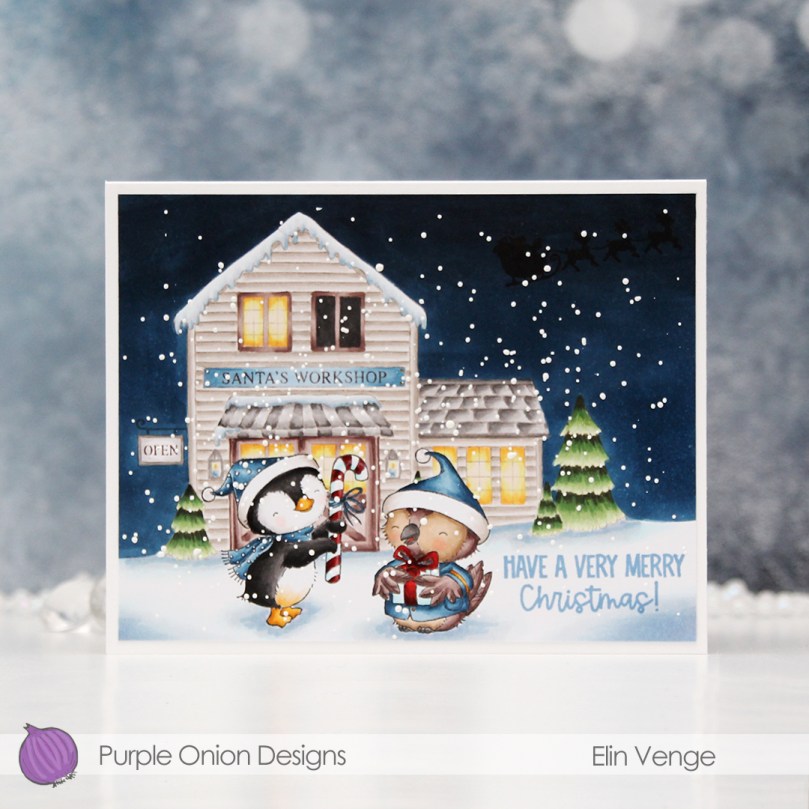
 I love creating these scenes with Stacey’s images. It’s a time consuming process, as I create masks for each critter and fussy cut them, but the end result is always worth it.
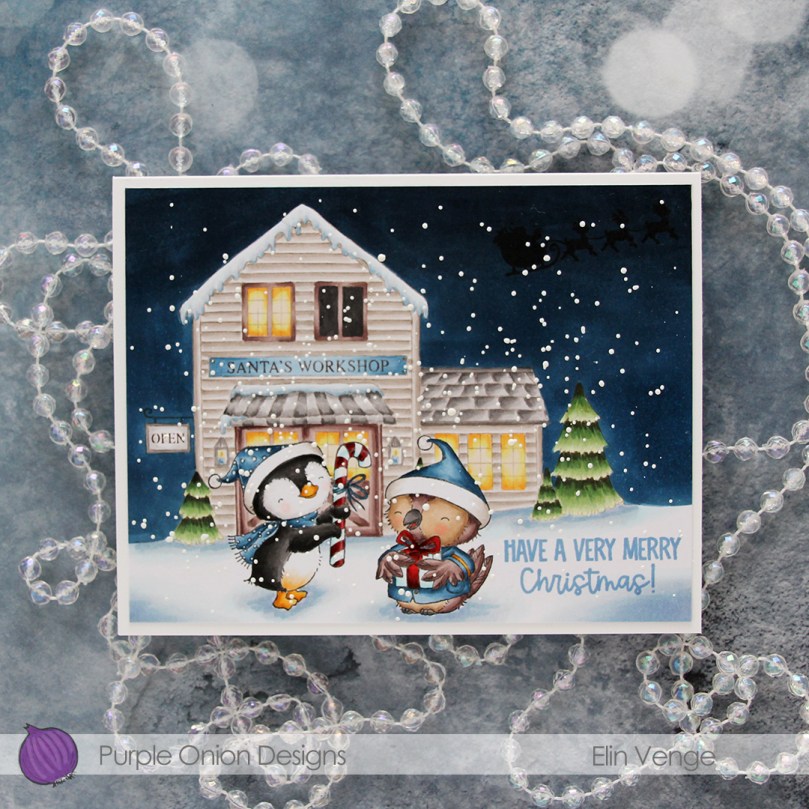 I stamped Winter and Balsam using Extreme Black ink from My Favorite Things before covering both of them with masks. I then did second generation stamping of Santa’s workshop using Memento Rich Cocoa ink, using first generation for the signage only. I like the softer look of the brown lettering in the background. I stamped the silhouette of Santa’s sleigh using VersaFine Onyx Black ink AFTER I’d colored in the entire scene. This is an ink that stamps very black and very crisp, but it’s a pigment ink and doesn’t play well with Copics, so it’s best to leave it to the end. I stamped the sentiment using Blueberry Sky ink from Papertrey Ink.
 I also went back over the “cast iron” of the OPEN sign using a 0.3 cool gray multiliner from Copic and added white dots on the penguin’s hat and scarf using my white Gelly Roll 05.
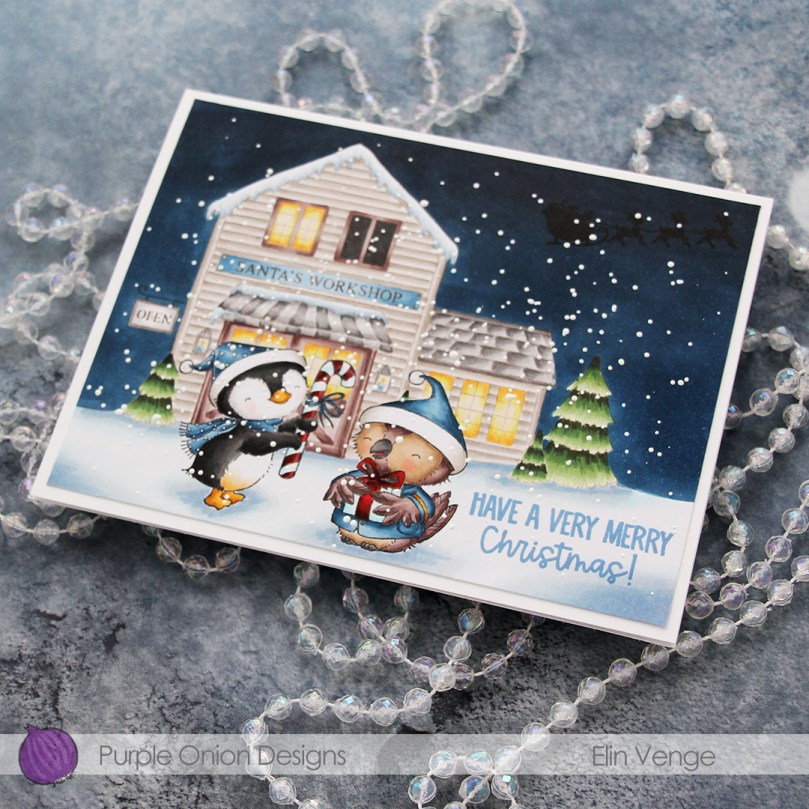 I sprinkled on chunky white embossing enamel from Stampendous, melted the granules from the back of the paper and adhered my finished scene onto a 5 3/4 x 4 1/2″ white card base, making this card slightly larger than the regular A2 size card.
 Lots of Copics used for this one.
 There are some awesome stamps in the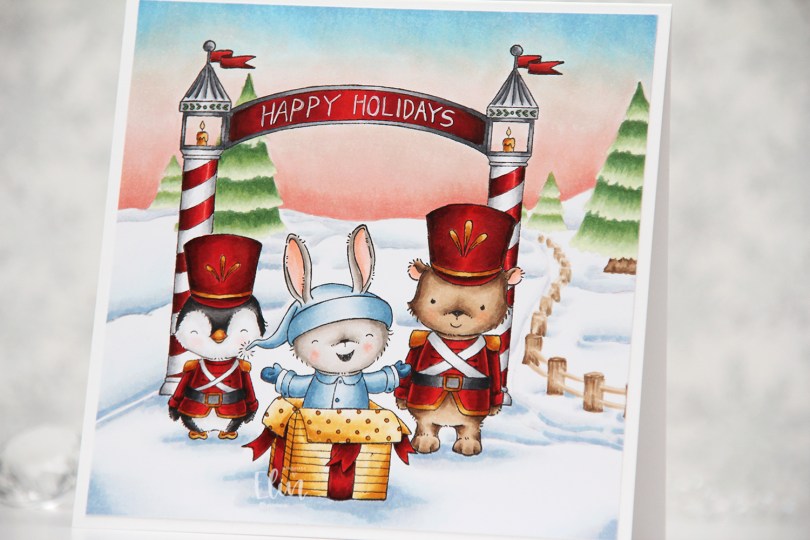
 Whenever the design team members get a glimpse of the new collection, I start my planning process. I sketch out very rough card ideas using the stamps I’d like to work with, send my stamp wish list off to Michele, the owner of Purple Onion Designs, and then wait patiently for the stamps to arrive.
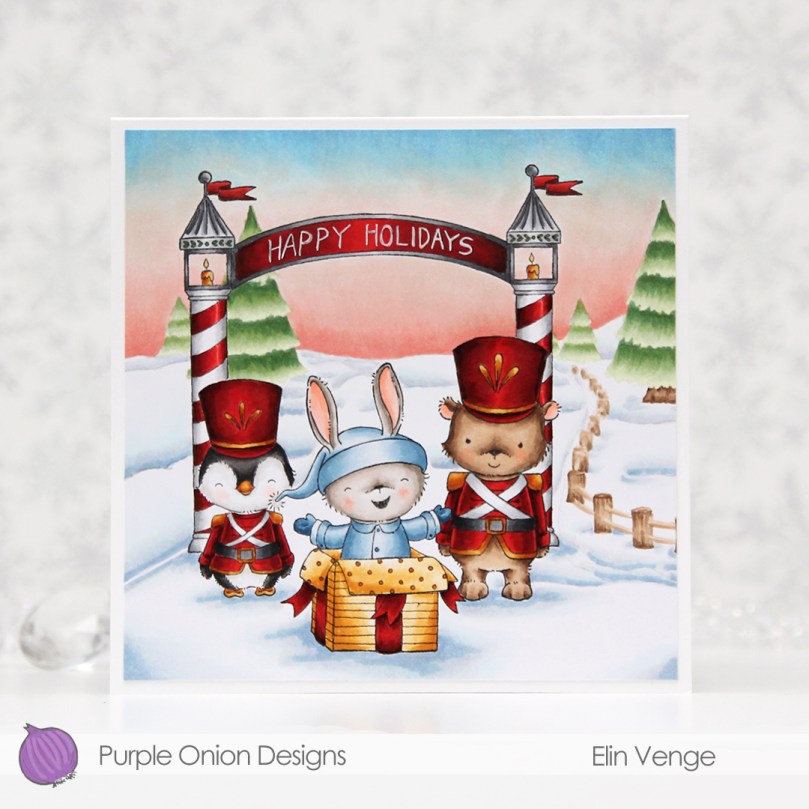
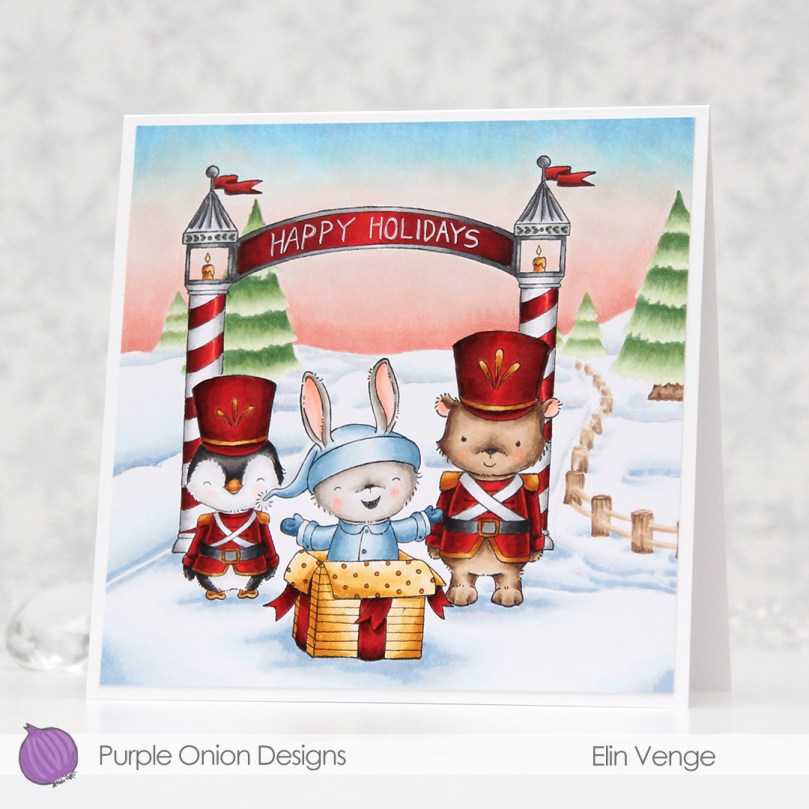 Whenever there’s a new collection I like to create scenes to show off as many of the cute images as possible (without overcrowding the card), and for this card I stamped
  I always start by coloring the sky, and for this collection, I wanted each of my cards to have a different sky. I tend to go for all blues, but winter sunsets are explosions of color, so I was very conscious of that when I created my card. Once the sky was done, I colored the snow, followed by the trees and that cute fence, before starting with the rest of the scene.
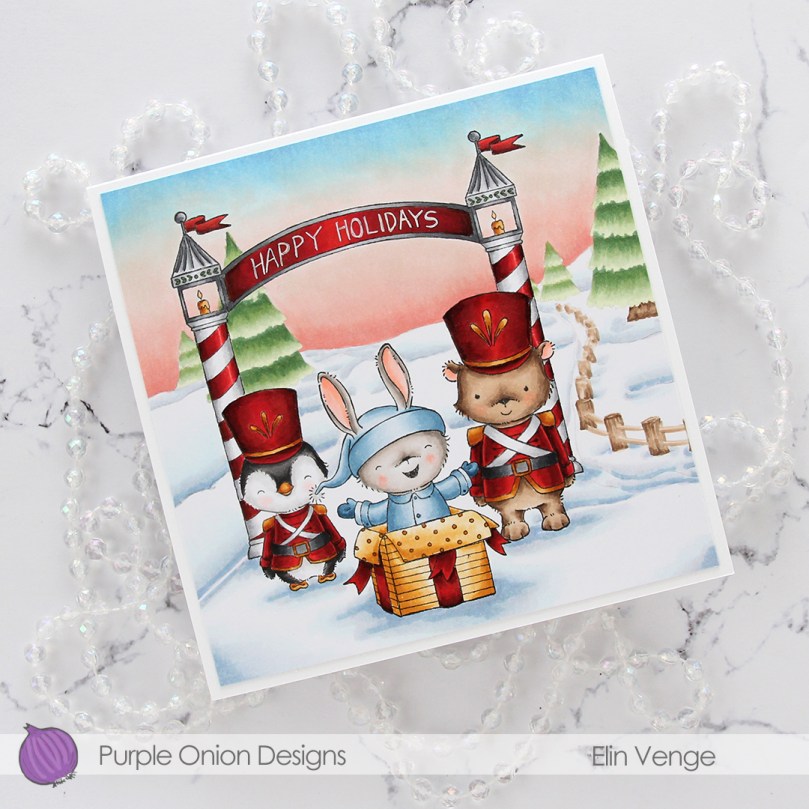 I colored the critters, then the arch and finally all the red. I always leave the red details to the very end. It eliminates the chance of smearing and getting red ink where you don’t want it when you go in with another color right next to it. I wrote Happy Holidays with a black 0.35 Copic pen before coloring, but once the red was colored, you could hardly see the lettering, so I went back over with a white 05 Gelly Roll pen, and the text is much more visible now. My Ps are a little further apart than I’d like, and they’re also leaning a tiny bit to the right, but it’s a homemade card, it’s not supposed to be perfect, right?
 Whenever I create these scene cards with Purple Onion images, I always let the stamping and the scene itself dictate the size of the finished card. This one wound up at 5 1/4 x 5 1/4″, which seemed pretty perfect. I haven’t made a square card in a while, so this was fun.
 I used an obscene amount of Copics for this card.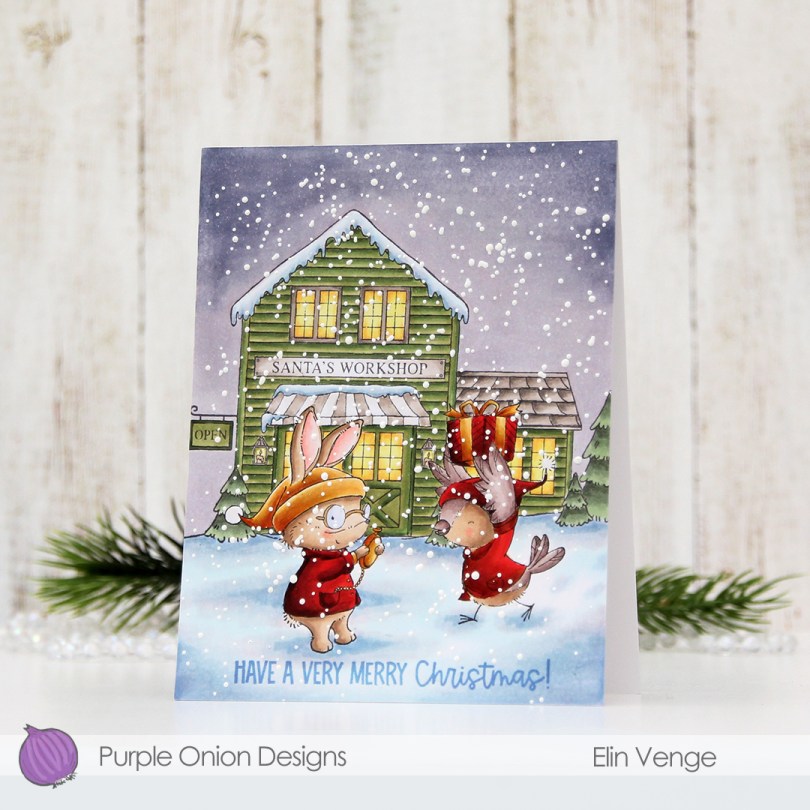
 For this card, I chose
  I didn’t want a dark night sky for this card. I also didn’t want it to have a basic blue sky, because I wanted to add lots of snow, and it doesn’t really snow from clear skies. I opted for a soft blue violet combo that wasn’t too dark and that fit the snowy scene look I was after.
 When everything was colored, I stamped a sentiment from
  I sprinkled on a generous amount of chunky white embossing enamel from Stampendous, making sure no granules covered up the critters’ eyes or the sentiment, before melting the granules from the back of the panel. I then adhered it directly to a top fold white card base, and my card was complete.
 Lots of Copics for this one.
