Hi, crafty friends. I’m usually pretty good at making Christmas cards all year. What I’m not usually so good at is creating Christmas tags to go on presents. It’s often one of those things I do last minute, even after the gifts are wrapped. I’m trying to be better, though, and today I have three tags to share featuring the Snow Cute stamp set from Lili of the Valley, I just can’t get enough of this set.
 These penguins are about 4 cm tall, which makes them the perfect size to create gift tags from. By stamping them on a sheet of X-Press It blending card (or your cardstock of choice) with a little bit of space between them, you can die cut some and fussy cut the remaining ones. I decided to fussy cut the one in the center, while using dies for the other two.
 I colored all the penguins with Copics and used a black glaze pen to create a little bit of shine and dimension to their eyes. Once the black was dry, which didn’t take long, I used a white Gelly Roll 05 on top of the black to put the white back into their eyes.
 I’m starting with this fussy cut penguin. In a drawer, I had a scrap of a snowy background that I created last fall using Rustic Cream cardstock from Papertrey Ink, the Falling Snow stencil from Simon Says Stamp, modeling paste from The Crafter’s Workshop and Rock Candy distress glitter from Ranger. I decided to put it to use and die cut it using the 210 die from Kort & Godt, I really like the heart shaped hole it creates at the top. I mounted the penguin using foam tape and added a sentiment strip below. The sentiment is from the Christmas Greetings stamp set from Lili of the Valley, it’s got heaps of great sentiments for the holidays. I used a bit of red lace ribbon, a couple of bells and a piece of thread to the top of the tag to embellish it a little.
 On the back, I added die cut letters to spell the words to and from. The words are from the Tag Builder Blueprints 6 die set from My Favorite Things, die cut from Amarena Cherry cardstock, also from MFT.
 Simple color palette for this one.
 Next up is the circular tag. I used the Tag Builder Blueprints 6 die set for this one as well, as well as another sentiment from the Christmas Greetings stamp set from LOTV. I added Divine Twine in the color Cherry to the top, a bell charm and a few red enamel dots from Papirdesign to finish it off.

On the back, I used the to/from circle die that I used for the first tag, but for this one, I used the negative of the die cut, popping in the centers of the o’s to complete the look. I figured it would be easier to see the writing on white cardstock instead of the red in the dim light on Christmas Eve when we open our presents, so this is meant to be practical too.
 A few additional colors for this one, I wanted to ground my penguin and also needed some color on that candy cane.
 For the blue one, I used the Fold-Up Tags die set from My Favorite Things to create my tag. I made sure not to cut off his scarf by fussy cutting that and putting it behind the die as I ran it through my die cutting machine. I used a piece of Blue Breeze cardstock from My Favorite Things to create the reinforcing element near the top, added some Divine Twine in the color Blueberry, a couple of white bells from UiT Hobby and some thread that’s actually meant to use with a loom (it’s super strong). Once again, I used the Christmas Greetings stamp set for the sentiment, and scattered a few snowdrift sprinkles from Little Things from Lucy’s Cards to finish.
 On the back, I used that same die from the Tag Builder Blueprints 6 die set from My Favorite Things that I used for the other two tags, this time die cut from Enchanted Evening cardstock from Papertrey Ink.
 Once again, simple color palette. These were such fun to make. I want to make more, and have a bunch on hand when it’s time to wrap Christmas presents, so I’m not rushing last minute to get the tags done.

 I colored the penguins with Copics and fussy cut them all, leaving a white border around the edge. I used the Fold-Up Tags from My Favorite Things to die cut four tags from the Hvite juleblomster patterned paper from the Gledelig Jul collection from Papirdesign before I adhered each penguin to each of the tags using 1 mm foam squares.
 I stamped and white heat embossed several sentiments from the Jul stamp set from Norsk Stempelblad AS onto Classic Kraft cardstock from Papertrey Ink. I also die cut reinforcements for the tags from the same cardstock, and some tiny snowflakes from white cardstock (also from PTI) using the Snowflake Confetti Fancy die from Hero Arts. I mounted the sentiment strips on foam squares, adhered the snowflakes using liquid glue and added a 2 mm white pearl from Kort & Godt to the center of each of the snowflakes. I used natural twine from May Arts through the reinforcements and threaded two gold bells to each piece of twine before securing the twine to the tags.
 On the back of the tags I stamped to/from labels from the B06 stamp set from Norsk Stempelblad AS using Dark Chocolate Ink from Papertrey Ink. I stamped the labels before adding the reinforcements. In hindsight, I wish I’d kept the stamps in my MISTI and restamped after the reinforcements were glued on, so the label would be continuous on the back, but I didn’t think of it as I was creating. I’ll try to remember for my next batch of tags.
 Simple color palette for these simple tags.
 Three same, but different gift tags using all the gingerbread people in the stamp set. I created the tags themselves using dies (two of them are actual tag dies, I used the topper from the ornament die set to create a topper for the heart to create a tag from that too). I used the Itty Bitty Gifting stamps and the Itty Bitty Strips dies, both from My Favorite Things, for all my to/from strips.
 I used Classic Kraft and Stamper’s Select White cardstock for most of my die cutting, both from Papertrey Ink. For the ornament I also used a piece of silver cardstock from Rayher. I did all my Copic coloring on 120 lb white cardstock from Simon Says Stamp. This isn’t the cardstock I normally use with my Copics, but it’s great for one layer cards and elements that you can see the back of, because the markers don’t bleed through. Getting smooth color blends with Copics is trickier on this cardstock than my beloved X-Press It blending card, but the thickness saves me from having to fussy cut each of those gingerbread twice to cover up any bleed through. It’s worth the trade off, I think.
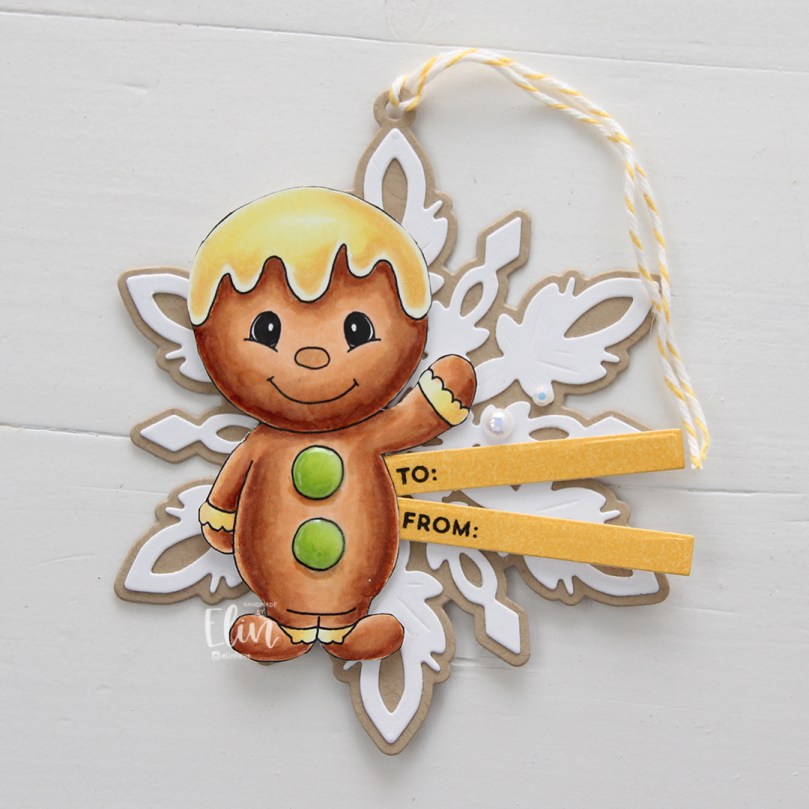 For the yellow one, I used the Snøfnugg, stor die from Papirdesign to create the snowflake tag. I added Nuvo Jewel Drops in the Key Lime color to the green buttons on the belly, and used a couple of pearls from the Igloo mix from Little Things from Lucy’s Cards for a little bit of embellishment. I put a piece of Divine Twine in the Lemon color through the hole at the top, making it easy to add to a gift.
 For the pink one I used the Hjerte 3 die from Papirdesign to create the tag (and the Julekule die to create the hole at the top). The sequins are from the same Igloo mix that I used for the yellow, and I also added Jewel Drops in the color Key Lime to the buttons on her belly. The twine is Divine Twine in the Cotton Candy color.
 And finally the green one. I used the Julekule die set from Papirdesign to create the actual tag, Nuvo Jewel Drops in the Limoncello color for the star on his sweater, and green dots from Papirdesign to embellish. The twine is Divine Twine in the color Green Apple.
 Very simple color palette for these.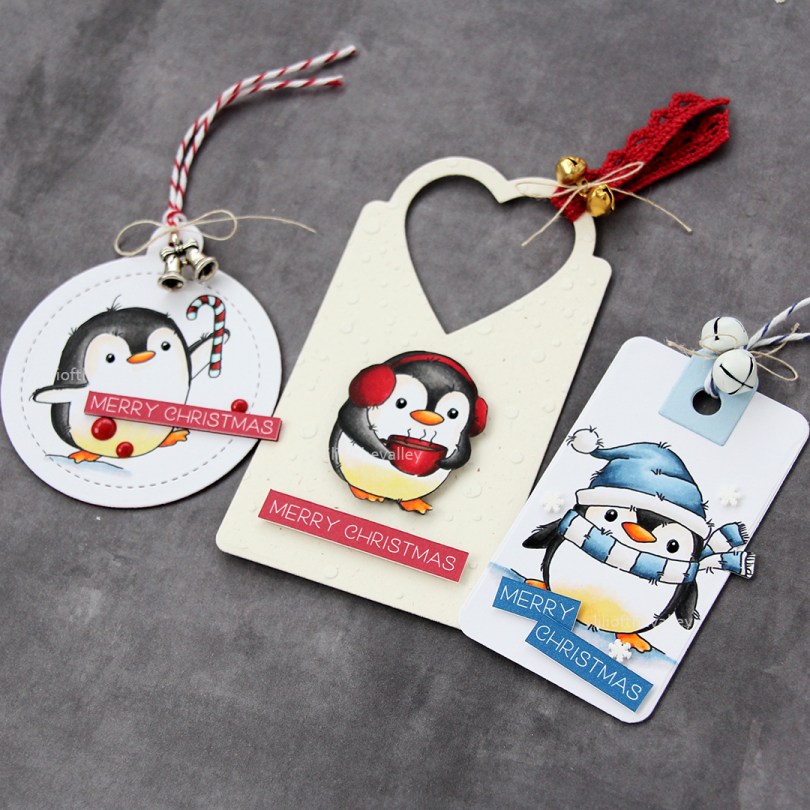
 Meet
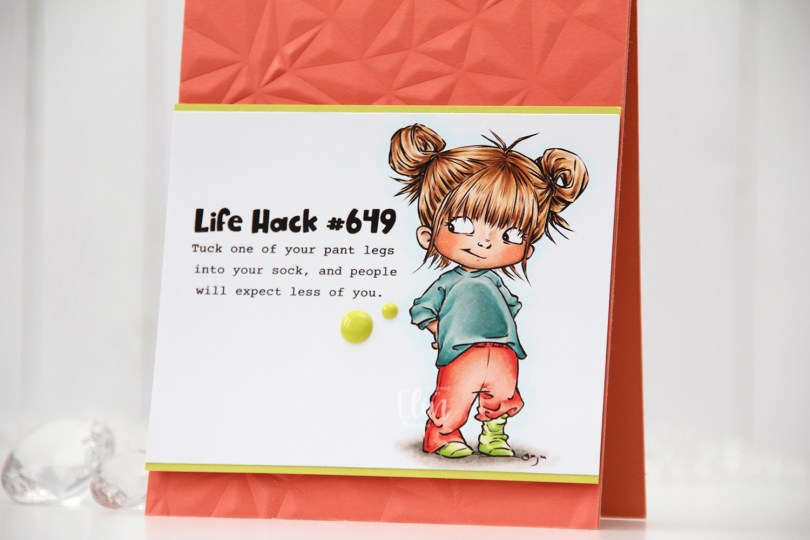
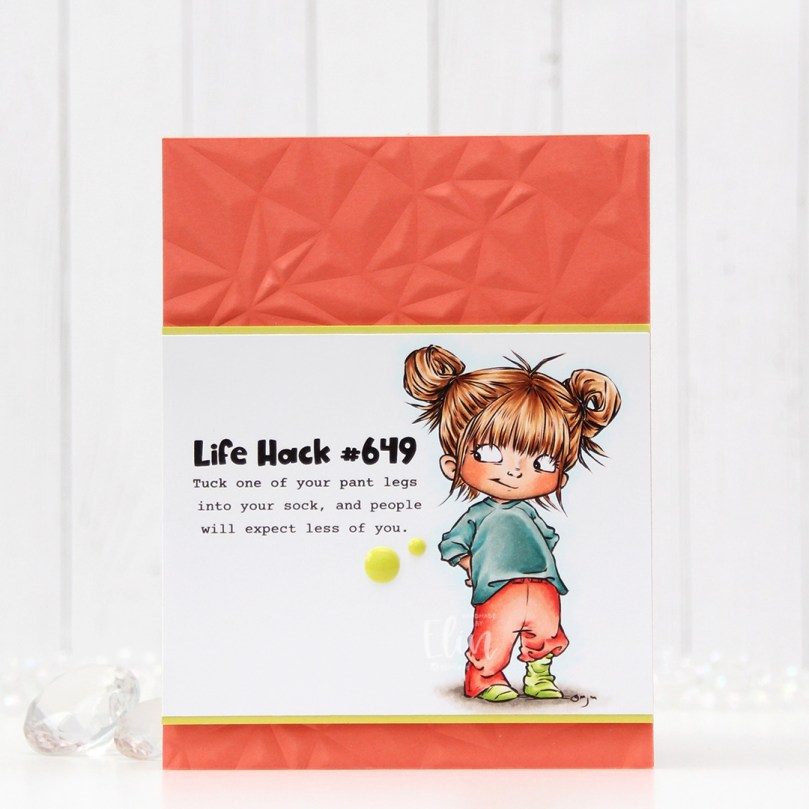
Meet 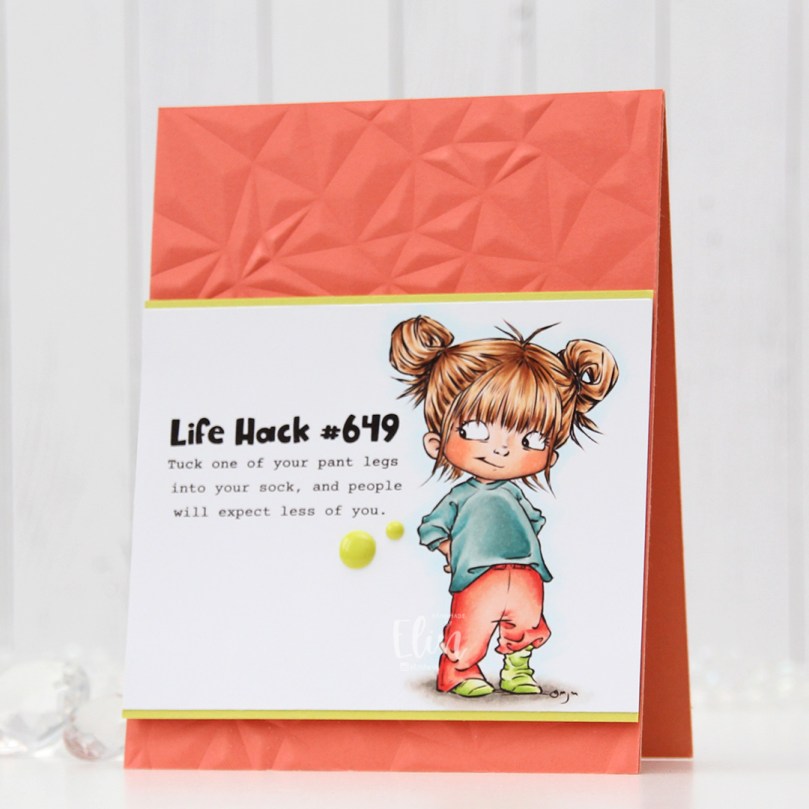 I colored the image with Copics, trimmed my panel down and added a thin strip of Limeade Ice cardstock from Papertrey Ink above and below for a little bit of extra color and definition.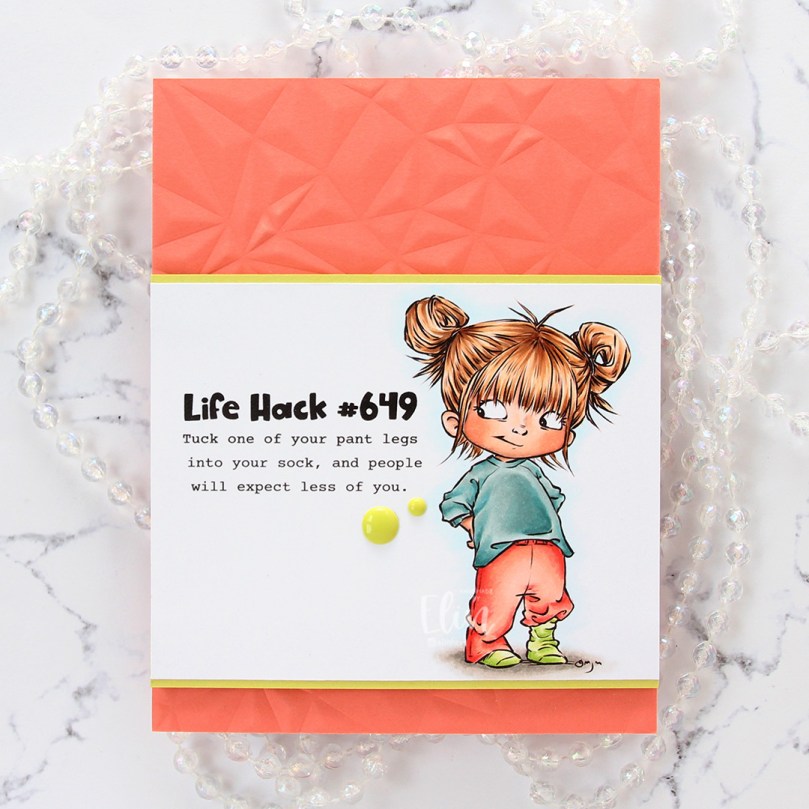

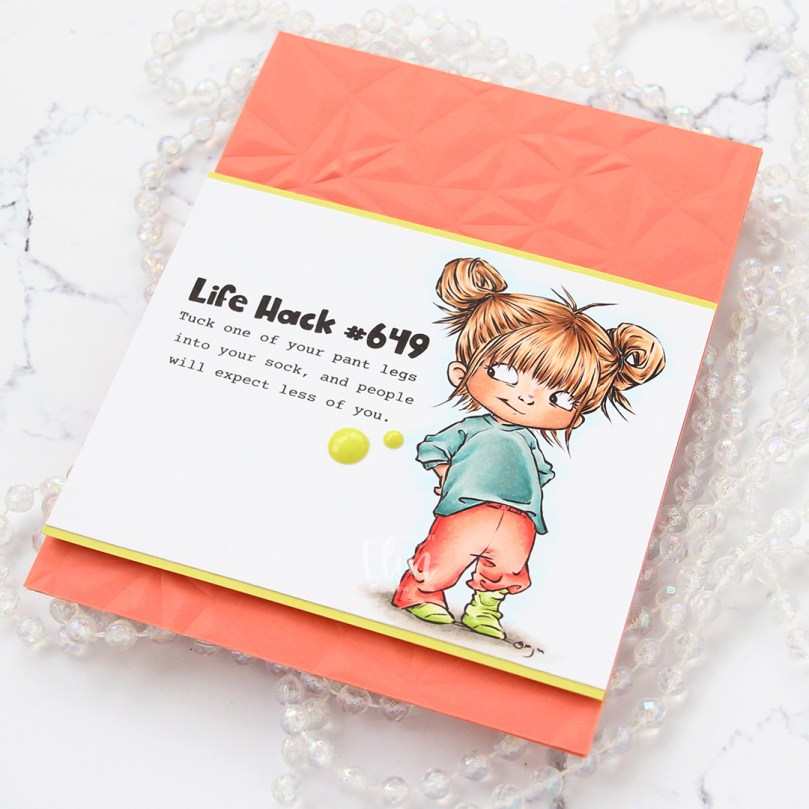
 I used more Copics than I thought I would for this. I even used BG71, which is a color I’ve created myself.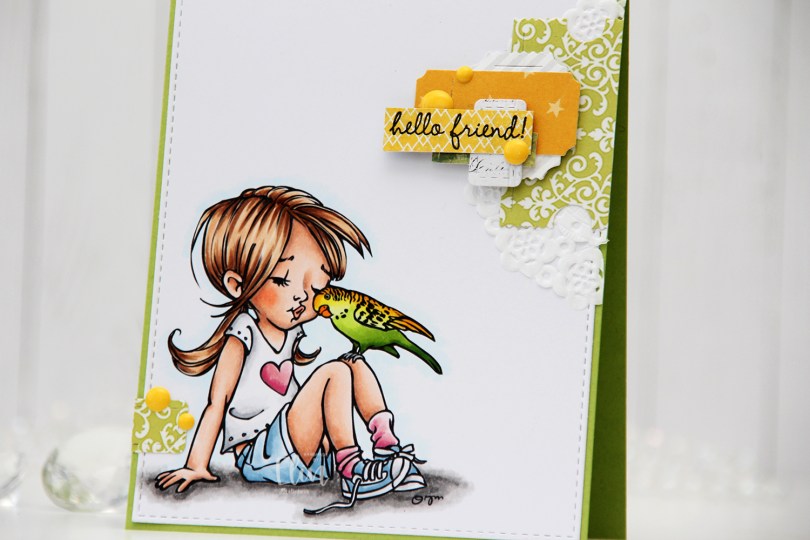
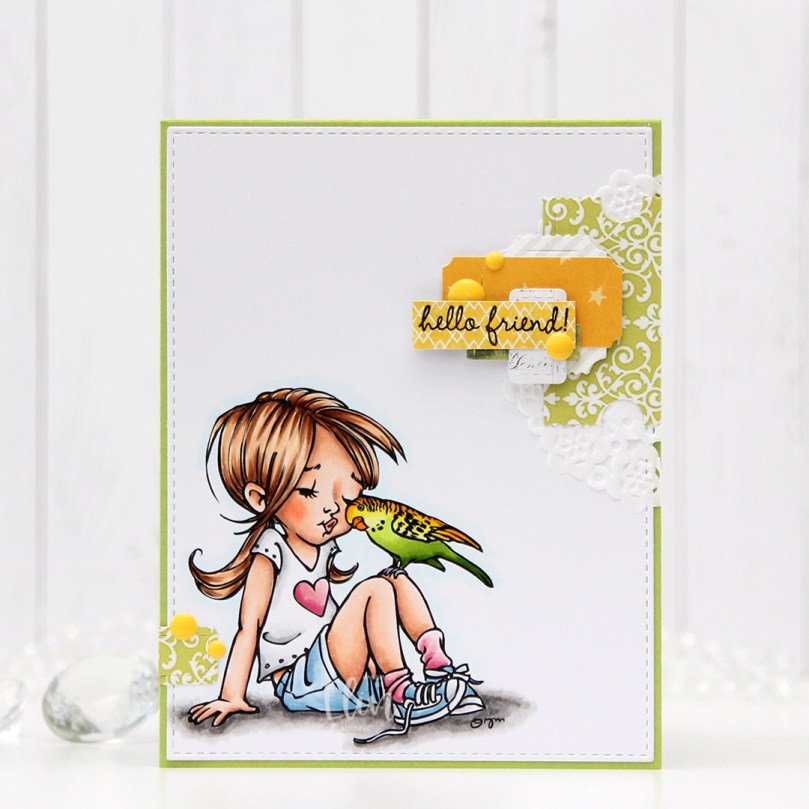 I colored the image with Copics and die cut the panel using the largest die in the A2 Stitched Rectangles STAX 1 die set from My Favorite Things, before adhering it to a card base I created from Sour Apple cardstock, also from My Favorite Things.
 On my cluster cards, I usually choose two to three colors from the image to create scraps from. This time I chose green and yellow with a little bit of gray. Neutrals are always a good thing to add. I keep die cut scraps in stamp storage pockets on my desk, sorted by color. Whenever I want to create a cluster, I choose the storage pockets with the colors I want, dump the contents on my desk and start PLAYING.
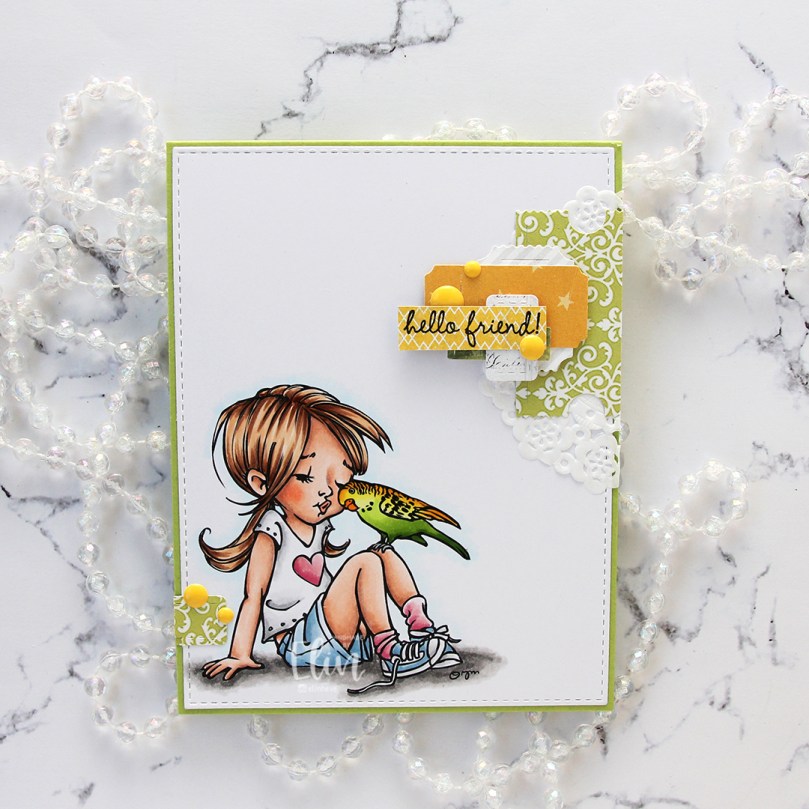 For this card I wound up using scraps from 3ndypapir, Karen Foster, Sunny Studio, P13, Magnolia and Papirdesign. By limiting the size and colors of my clusters, the design stays harmonious and you can’t tell that I’ve used patterned paper from 6 different companies. I adhere some directly to the layer below, some using foam squares. As a base, I used half a doily from Doodlebug Design that I had in a drawer. I love these tiny paper doilies, they’re perfect for this.
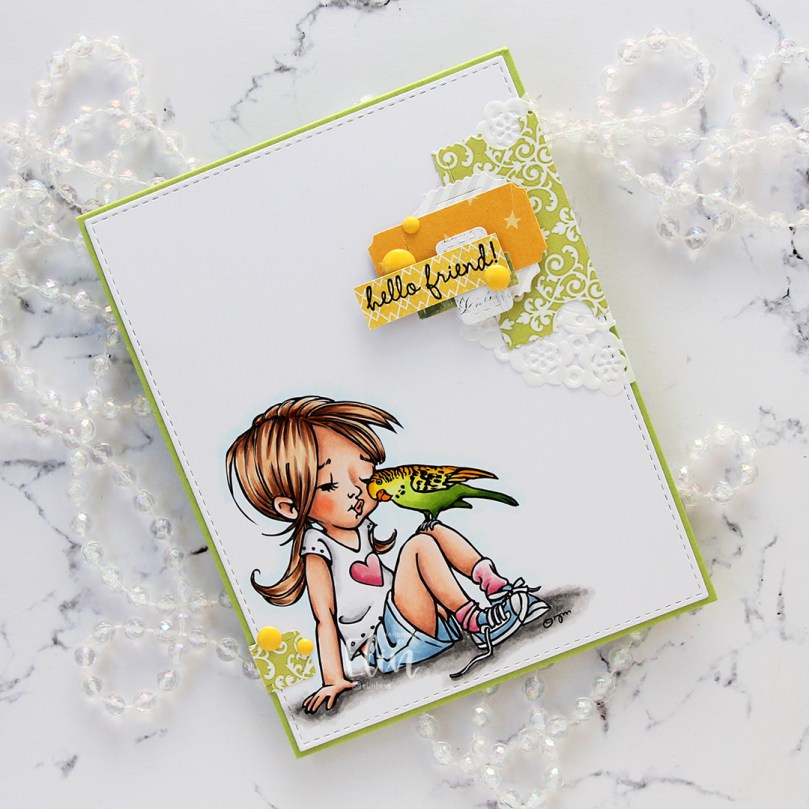 Using VersaFine Onyx Black ink, I stamped a sentiment from the
  These cluster cards are so fun to make. They make my piles of scraps shrink EVER so slightly, but anything’s better than nothing, and I love the dimension they add to the card.
 I used quite a few colors for this one.
 The stamp is called Coco Loco, the name’s even funny. And also very fitting. I printed it near the bottom left of my panel of X-Press It blending card and printed my sentiment near the top right corner.
 I did some very simple Copic coloring of the palm tree, the beach and also colored a pale blue halo around it to give the illusion of some sort of sky around it. I prefer the look of this light blue on the outside of the actual image instead of the bright white of the paper, I think it looks more finished this way.
 I used the largest die in the A2 Stitched Rectangles STAX 1 die set from My Favorite Things to trim down my panel slightly and add faux stitching around the edge, before I adhered it to a card base I created from New Leaf cardstock from Papertrey Ink.
 I added some brown enamel dots from Papirdesign near the sentiment and also a couple near the image itself to embellish a tiny bit. I love enamel dots!
 To enhance the nuttiness of this image, I colored the cheeks pink and added Glossy Accents to what was already crazy looking eyes for a bit of extra fun.
 Simple image equals simple color palette.
 I colored up this image nearly a year ago, so it was about time I put it to good use on a card. Using the largest die in the A2 Stitched Rectangles STAX 1 set from My Favorite Things, I turned it into a panel with the faux stitch edge that I love to use on my cards. There’s something about faux stitching dies that make the cards look more finished. It’s a nice, subtle detail. I adhered the panel to a top fold card base I created from Blueberry cardstock from My Favorite Things.
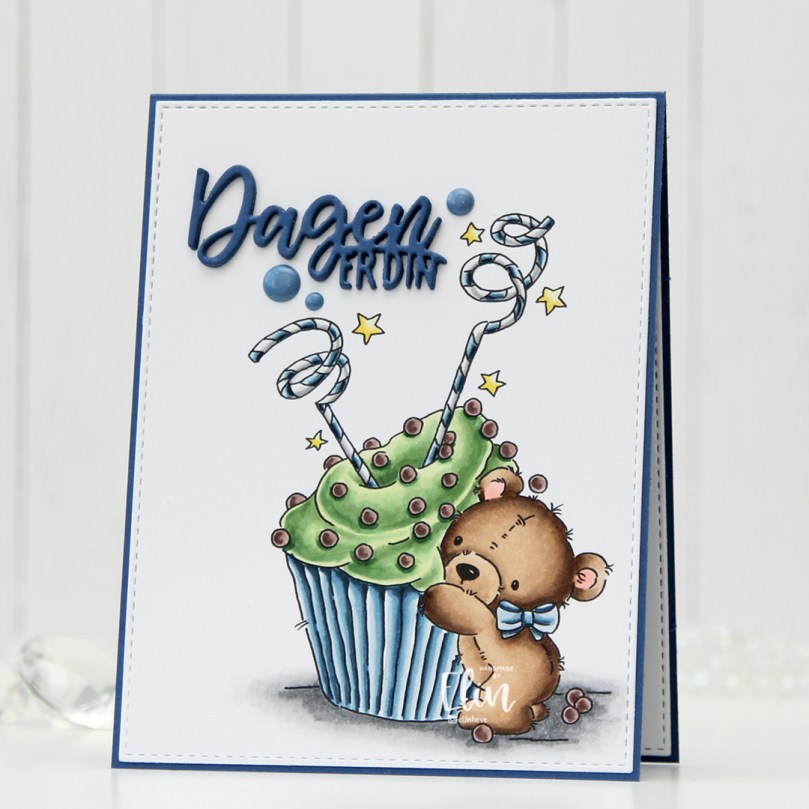 From the same color cardstock, I die cut the sentiment using the Dagen er din die from Papirdesign. I stacked four die cuts for a dimensional look and added a few blue enamel dots from Papirdesign to finish off the card.
 Blues and greens for the win for this one. I’ve always been a fan of analogous color combinations, they’re very harmonious.
 I colored up this fairy quite a while ago, and I even had a blue sky around her that I decided not to use. I fussy cut the image, leaving a trim around the edge (I didn’t want to contend with the whispy lines in her hair).
 I created a white top fold card base using Stamper’s Select White cardstock from Papertrey Ink. It’s my all time favorite white cardstock. Using a geometric embossing folder from We R Memory Keepers, I created a bit of texture to the card front. It’s nice to have lots of white space while giving the background a little bit of interest, and embossing folders are a great way to ensure that.
 I cut a piece of Winter Wisteria cardstock from Papertrey Ink at an angle and adhered it to the top of the card using foam tape.
 I adhered my colored image, half on top of the purple cardstock using foam tape, the bottom half to the card base using foam tape. I let her foot hang off the edge of the card for a little bit of added interest.
 To finish off the card, I die cut scraps of purple patterned paper from Papirdesign to adhere to the bottom right corner of the card. Onto one of the strips, I stamped and white heat embossed a sentiment from the Hilsninger stamp set from Norsk Stempelblad AS, before I added sequins from the White Orchid sequin mix from Little Things from Lucy’s Cards for a little bit of embellishment.
 Not a lot of colors for this one.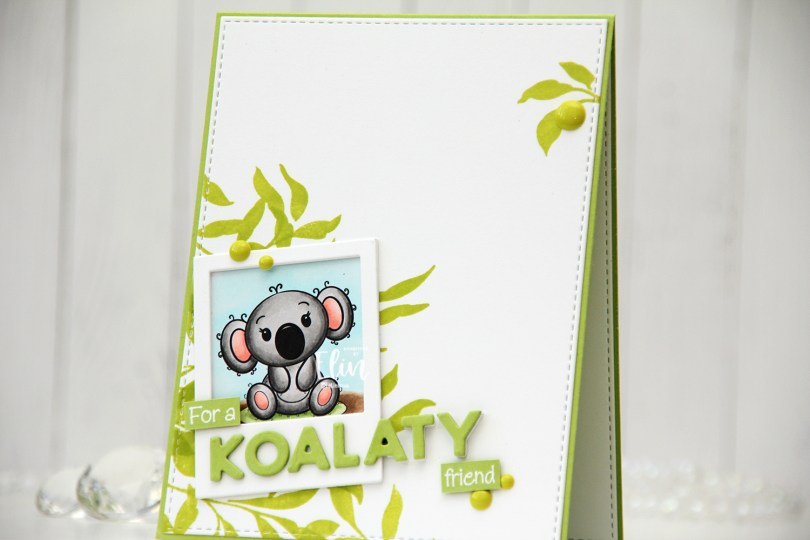
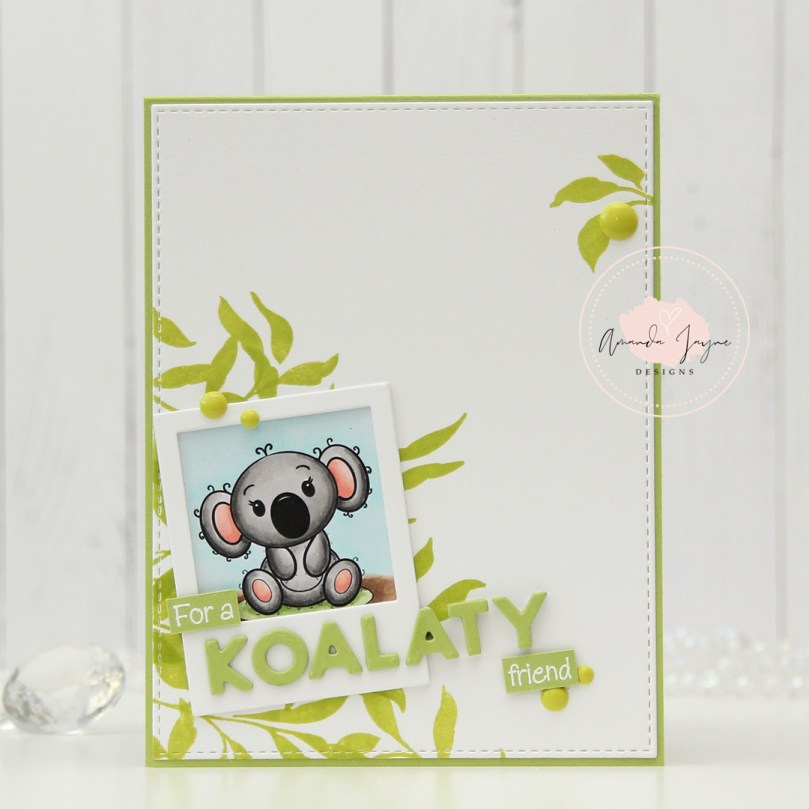 This koala was so quick and easy to color. If you’re new to coloring, or enjoy coloring but don’t want to spend an eternity coloring one image, I’d recommend her images. They’re not super detailed, which makes them easy and fast to color.
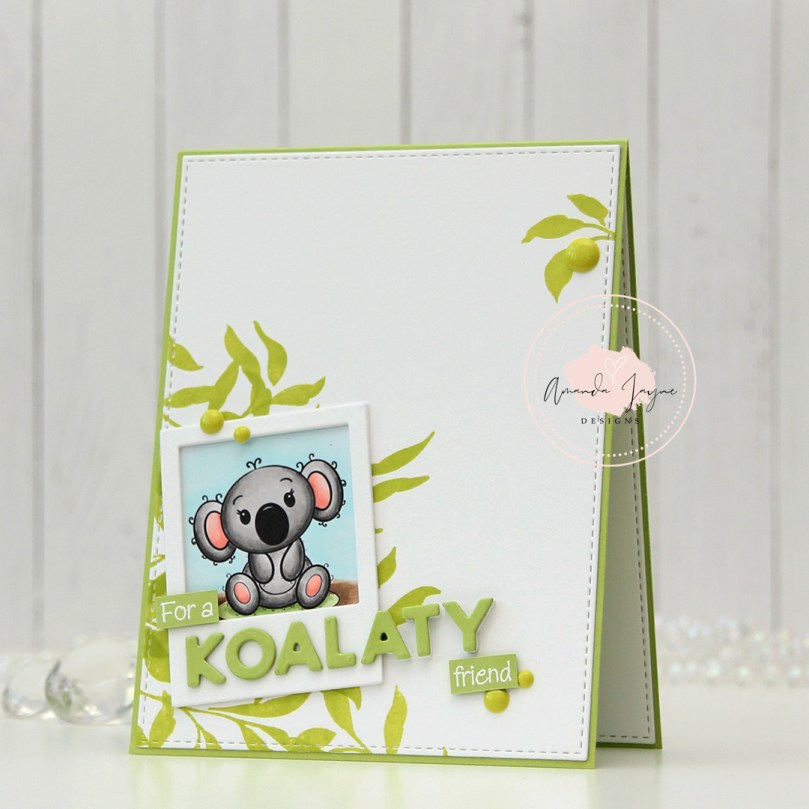 I decided to put my colored koala in a polaroid frame, and used the largest of the dies in the Precious Polaroids die set from My Favorite Things to die cut three times from white cardstock for a stacked look on top of the cute koala.
 I created a top fold A2 card base using Green Parakeet cardstock from Papertrey Ink. Onto the left bottom corner of a piece of Stamper’s Select White cardstock from Papertrey Ink, I stamped some leaves from the Leaf Clusters stamp set from Altenew, using Limelight ink from My Favorite Things. This is a much more vibrant, yellowy green than what you’ll find in eucalyptus leaves, but I wasn’t going for realism with this card and happen to like the bright green – it really pops. I made sure to stamp a large enough area that some of the leaves would be visible around the polaroid frame with my koala. I also stamped the smallest leaf cluster in the Altenew stamp set near the top right corner for a little bit of balance and die cut the white panel using the largest die in the A2 Stitched Rectangles STAX 1 set from My Favorite Things.
 I wanted a punny koala themed sentiment on my card, and the word koalaty (quality) came to mind. I needed something to use with it, and dug through my sentiment sets for one with the word friend in it. A sentiment in a stamp set from InkyWings was perfect, it said For a sweet friend. I stamped it in VersaMark ink and white heat embossed it using Super fine detail embossing powder from Ranger. I cut the sentiment down to a strip, removed the word sweet and had the perfect start and finish to my punny sentiment. Using the Connected alphabet die set from My Favorite Things, I die cut the letters to spell koalaty three times from Green Parakeet cardstock and stacked them for a dimensional look. I die cut an additional three white ones for the letters that hang off the polaroid (ATY) and glued these behind the green ones so the letters would all be flush on the card. I also added some additional layers of cardstock behind the white heat embossed strips for that little bit of added dimension, before finishing off the card with a few enamel dots from Papirdesign.
 The dimension is more visible in this photo, I love adding dimension to my cards. Dimension is life 😉 I cut the layered up white A in half, because only half the letter hangs off the edge. The letters that have the white die cuts behind them kind of look like they’re floating on the card.
 Super simple color palette for this one.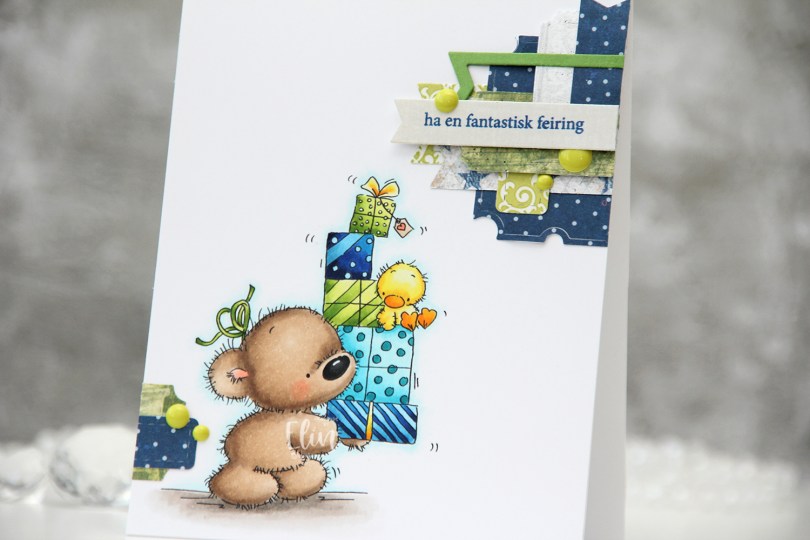
 I colored up
  These clusters are pretty easy to put together. On my desk I keep a bin with die cut scraps of patterned paper. I organize these scraps by color, and put each color in a stamp storage bag. Whenever I want to create a cluster, I choose the colors that go with my card, dump the contents of the storage pockets on my desk and play. This time I used three bags; the blue, the green and the gray – it’s nice to throw a neutral into the mix. The scraps I used for this card are from a few different companies. The blue ones are from Papirdesign (the grey with the blue stars is the back of that blue with the lighter dots), the green ones are from 3ndypapir and Karen Foster, with a little bit of New Leaf cardstock from Papertrey Ink thrown in for a darker green to make the dark blue a little less dominant. The top grey one is actually from Magnolia, whereas the one with the sentiment is from DCWV. The sentiment itself is from Norsk Stempelblad, stamped in Cornflower ink from My Favorite Things. To finish off the card I added a few green enamel dots from Papirdesign.
 This color palette makes me happy.
